
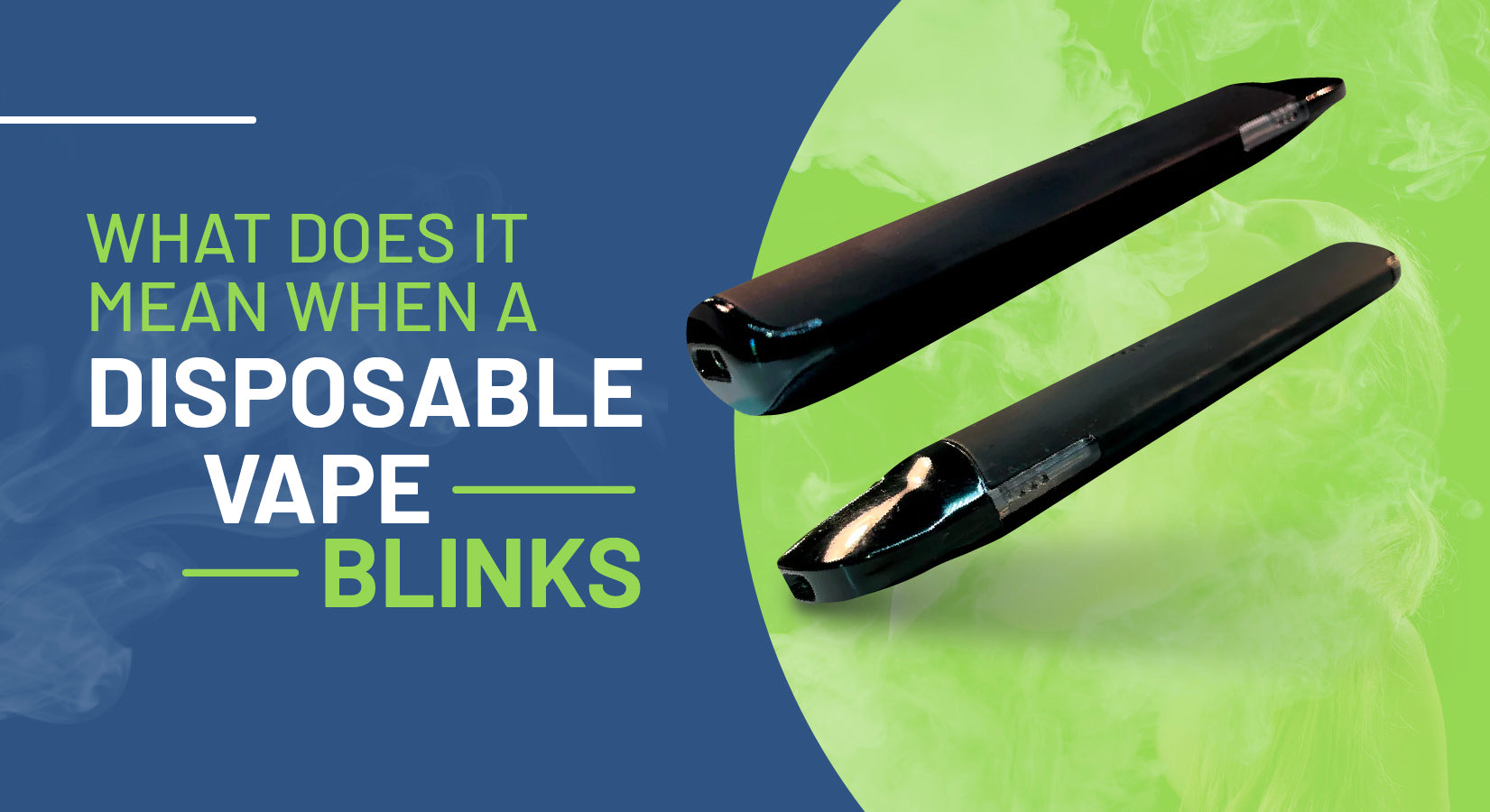
Have you noticed your weed pen blinking and wondered what it means? It can be confusing and even frustrating when your device doesn’t work as expected.
Understanding those blinking lights is key to getting your pen back to perfect use. You’ll discover exactly why your weed pen is blinking, what each pattern means, and simple steps you can take to fix it. Keep reading—you’re just moments away from solving the mystery and enjoying a smooth experience again.
Credit: vapepenswholesale.com
Common Reasons For Weed Pen Blinking
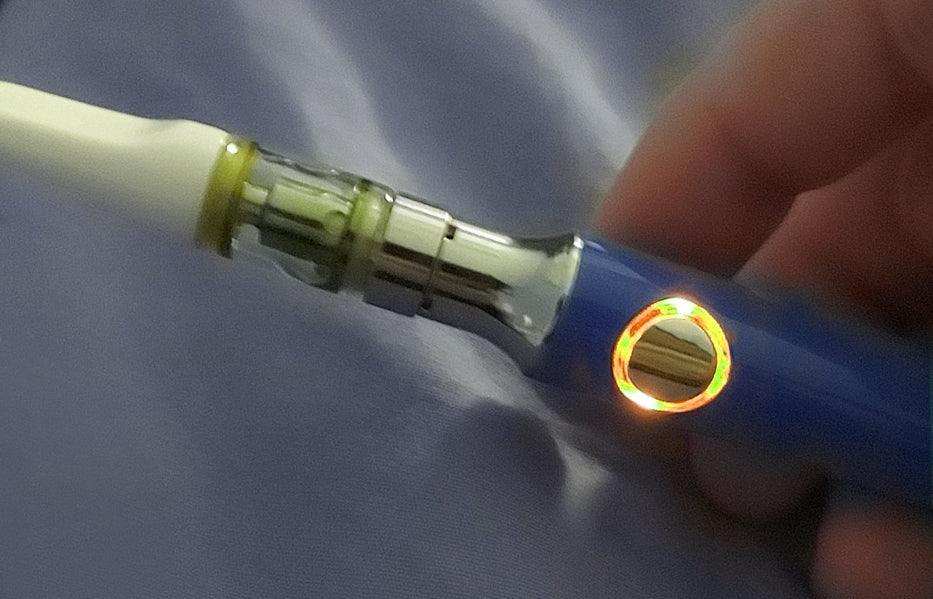
Weed pens often blink to signal an issue or status change. This blinking can confuse many users. Understanding common reasons helps fix the problem quickly. Most blinking patterns relate to a few key issues. These include battery status, connection, temperature, and cartridge fit. Knowing these can save time and frustration.
Low Battery Issues
A weak battery is the top cause of blinking. The pen blinks to warn the power is low. Charging the pen fully usually stops the blinking. Sometimes the battery is old and won’t hold charge well. In that case, replacement is necessary for smooth use.
Connection Problems
The pen needs good contact with the cartridge. Poor connection causes blinking and stops vapor flow. Dirt, dust, or loose fitting parts block the connection. Cleaning the contact points with a dry cloth helps. Pressing the cartridge firmly into place also fixes this issue.
Overheating Concerns
Too much heat triggers blinking as a safety alert. Continuous use or high voltage causes the pen to overheat. Letting the pen cool down before use prevents this problem. Using the recommended voltage setting protects the device from damage.
Cartridge Compatibility
Not all cartridges fit every pen model. Using an incompatible cartridge causes blinking. The pen cannot read or power the wrong cartridge. Always choose cartridges made for your specific pen. This ensures proper function and avoids blinking problems.
Credit: vapebatt.com
Quick Fixes To Stop Flashing
The flashing light on your weed pen can be annoying. It often means the pen needs a simple fix. These quick fixes can stop the blinking and get your pen working again fast. Follow these easy steps to solve the problem without stress.
Charge Your Battery Fully
A low battery often causes the pen to blink. Connect your pen to its charger. Let it charge until the light stays solid. A full charge can clear most blinking issues. Avoid using the pen while charging for best results.
Clean The Connection Points
Dirty connection points can stop the pen from working right. Use a cotton swab dipped in rubbing alcohol. Gently clean the battery and cartridge connectors. This removes dirt and oil. Clean connections help the pen work smoothly.
Allow The Pen To Cool Down
Overheating can cause the pen to flash. Let the pen rest for a few minutes. Cooling down prevents damage and stops blinking. Avoid using the pen too long without breaks. This keeps it safe and working well.
Check Cartridge Installation
A loose or wrong cartridge can cause blinking. Remove the cartridge and check if it fits correctly. Screw it on gently but firmly. Make sure it matches your pen model. Proper installation stops the flashing light.
Preventing Future Blinking
Preventing future blinking of your weed pen is key to a smooth vaping experience. Blinking lights often signal issues that can be avoided. Taking simple steps helps keep your pen working well for longer. Focus on care and good habits to reduce blinking problems.
Regular Maintenance Tips
Clean your pen often. Use a cotton swab to wipe the connection points. Remove any oil or dust buildup. This keeps the battery and cartridge connected properly. Check the mouthpiece and cartridge for clogs. Replace any damaged parts quickly. Regular care prevents many common blinking issues.
Using Compatible Cartridges
Always use cartridges made for your pen model. Mixing brands can cause poor connections. Some cartridges have different voltages or sizes. These differences may trigger blinking lights. Using compatible parts protects your pen’s battery and circuitry. It also improves vaping quality and device life.
Proper Charging Habits
Charge your pen with the original charger. Avoid cheap or unknown chargers that may harm the battery. Do not overcharge by leaving it plugged in overnight. Unplug as soon as it is full. Charge in a cool, dry place to avoid overheating. Good charging habits keep your battery healthy and reduce blinking issues.
When To Seek Professional Help
Knowing when to seek professional help for your weed pen blinking is important. Some blinking issues are simple to fix. Others need expert care to avoid damage. Acting at the right time can save your device and money.
Persistent Blinking Issues
If your weed pen keeps blinking after trying basic fixes, get expert help. Persistent blinking may mean a deeper problem. It could be a wiring issue or a faulty chip. Professionals can diagnose and repair these safely.
Battery Replacement Options
Battery problems often cause blinking. Not all batteries are easy to replace. Experts know which batteries fit your pen model. They can replace them without harming other parts. This keeps your device working longer.
Warranty And Repair Services
Check your pen’s warranty before fixing it yourself. Some brands offer free repairs or replacements. Certified repair services keep your warranty valid. Professionals use the right tools and parts for repair.
Credit: www.lookah.com
Frequently Asked Questions
Why Is My Weed Pen Blinking Repeatedly?
A blinking weed pen usually means low battery or a connection issue. Check the battery and charge it fully. Also, clean the contacts to ensure a good connection.
What Does A Blinking Red Light On Weed Pen Mean?
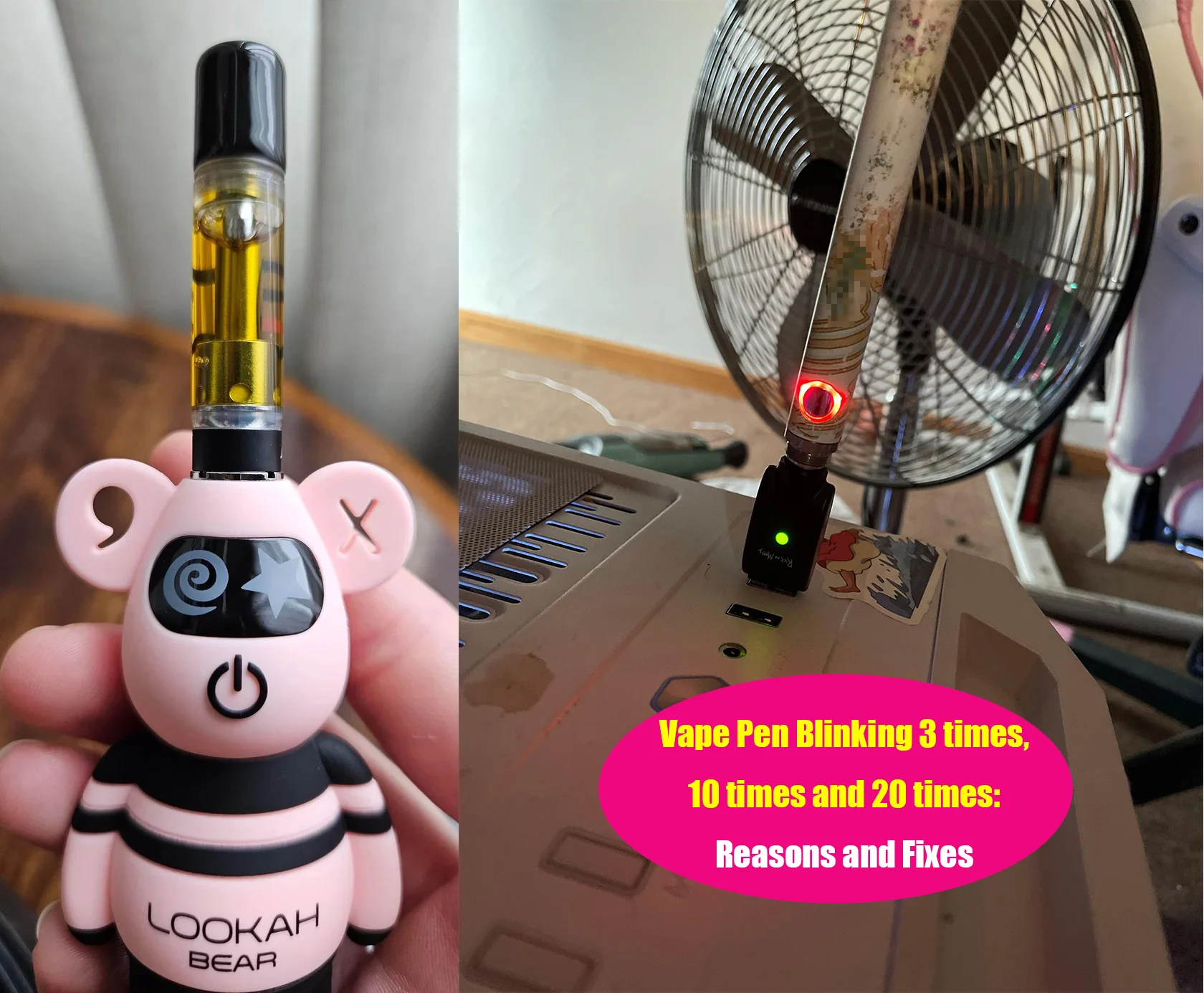
A blinking red light often signals a low battery or a short circuit. Try charging the pen and inspect the cartridge connection. Replace the cartridge if the problem continues.
How Can I Fix A Weed Pen That Keeps Blinking?
Restart the pen by turning it off and on. Clean the battery and cartridge contacts carefully. Charge the device fully before using it again.
Does Blinking Affect Weed Pen Performance?
Yes, blinking may indicate the pen is not working properly. It can lead to weak vapor or no vapor at all. Fix the issue to ensure good performance.
How Do I Prevent My Weed Pen From Blinking?
Charge the pen regularly and avoid overusing it without breaks. Keep the battery and cartridge clean. Store the pen in a cool, dry place to protect it.
Conclusion
A blinking weed pen light often signals a small issue. Check the battery charge first. Make sure the connection between parts is tight. Clean the pen to avoid blockages. Sometimes, a quick reset helps. Understanding these signs keeps your pen working well.
Don’t ignore blinking lights; they guide you. Stay aware and enjoy your experience without trouble. Simple steps make a big difference. Keep your weed pen ready for use anytime.