Is your Mr Heater Big Maxx fan running nonstop and leaving you puzzled? You’re not alone, and it can be frustrating when your heater fan just won’t stop.
This constant running not only wastes energy but can also wear down your unit faster. But don’t worry—you’re about to discover simple reasons why this happens and easy fixes you can try right now. Keep reading to take control of your heater and bring comfort back to your space without the endless noise or high bills.
Credit: www.rbiitacademy.com
Common Causes
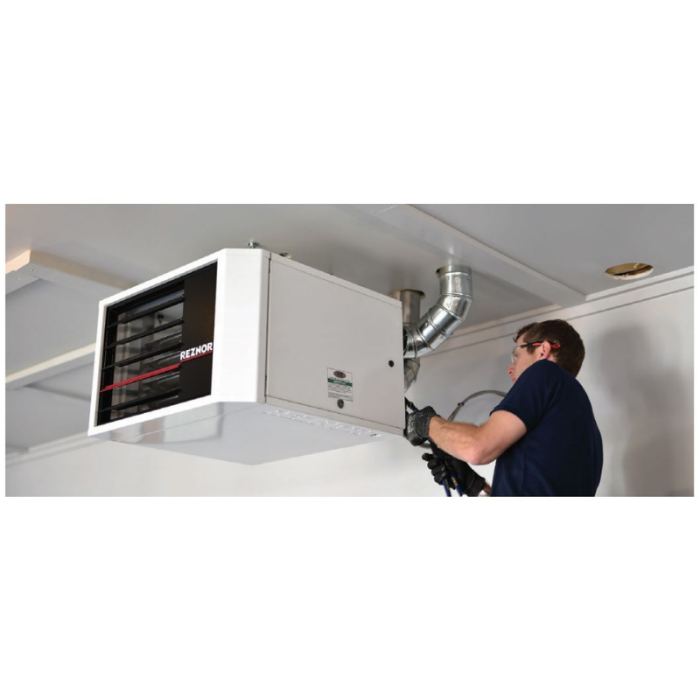
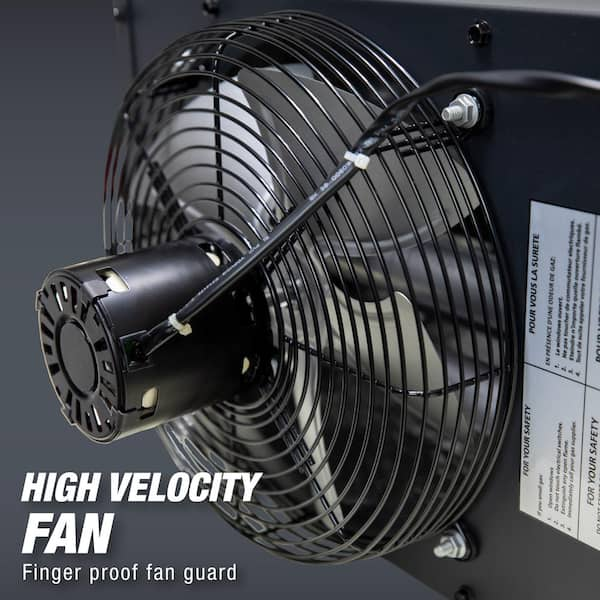
The Mr Heater Big Maxx fan keeps running due to a few common causes. These issues can make the fan run nonstop, wasting energy and causing noise. Identifying the exact problem helps fix the heater quickly. Below are the main reasons your fan may not stop.
Faulty Thermostat
The thermostat controls the heater’s temperature. A faulty thermostat may send wrong signals. This mistake keeps the fan running even after the room heats up. Replacing or repairing the thermostat usually solves this problem.
Stuck Fan Relay
The fan relay acts like a switch for the fan motor. If it gets stuck in the “on” position, the fan never stops. Dust or wear can cause the relay to stick. Cleaning or changing the relay often fixes the issue.
Wiring Issues
Loose or damaged wiring can cause the fan to run continuously. Wires may short or connect incorrectly. This confuses the heater’s control system. Checking and repairing the wiring can stop the fan from running nonstop.
Control Board Malfunction
The control board manages the heater’s functions. A malfunction can send wrong commands to the fan. This error keeps the fan motor running without pause. Replacing the control board may be necessary to fix this problem.
Credit: www.homedepot.com
Safety Precautions
Check the heater and fan for any damage before use. Always unplug the unit before cleaning or repairs. Keep the area around the heater clear to prevent fire risks.
Turn Off Power
Always turn off the power before inspecting the heater fan. Unplug the device or switch off the circuit breaker. This prevents electric shock or accidental injury. Never try to fix the fan while it is still powered on.
Use Protective Gear
Wear gloves and safety glasses when handling the heater fan. Gloves protect your hands from sharp parts and hot surfaces. Safety glasses shield your eyes from dust and debris. Protective gear reduces the risk of cuts and burns.
Avoid Water Contact
Keep the heater fan away from water or damp areas. Water can cause electrical shorts and damage the unit. Do not clean the fan with water or wet cloths. Use a dry cloth or a brush to remove dust safely.
Step-by-step Fixes
Troubleshooting the Mr Heater Big Maxx fan that keeps running can seem tricky. Step-by-step fixes make this task easier. Follow clear instructions to find the problem fast. Each step targets a common cause of the issue. This way, you save time and avoid unnecessary repairs.
Resetting The Heater
Start by turning off the heater. Unplug it from the power source. Wait for about five minutes. This pause allows the internal system to reset. Plug the heater back in and switch it on. Check if the fan stops running continuously. Sometimes, a simple reset fixes electronic glitches.
Inspecting The Thermostat
The thermostat controls the heater’s fan. If it fails, the fan may run nonstop. Look for signs of damage or dirt. Clean the thermostat gently with a soft cloth. Adjust the temperature settings to test response. Replace the thermostat if it shows no change. Proper thermostat function helps regulate fan operation.
Testing The Fan Relay
The fan relay controls power to the fan motor. A stuck relay causes the fan to keep running. Listen for clicking sounds indicating relay activity. Use a multimeter to check relay continuity. Replace the relay if it does not open or close properly. Fixing the relay often stops the fan from running endlessly.
Checking Electrical Connections
Loose or damaged wires can cause fan problems. Turn off and unplug the heater before checking. Inspect all wiring for breaks or wear. Tighten loose connections and replace damaged wires. Secure connections ensure the fan receives correct signals. Proper wiring prevents continuous fan operation issues.
When To Call A Professional
Sometimes, a Mr Heater Big Maxx fan keeps running despite your efforts. This can be a sign of a deeper problem. Knowing when to call a professional saves time and prevents damage. A trained technician can find the exact cause and fix it safely.
Persistent Fan Issues
If the fan runs nonstop after several attempts to fix it, get help. Persistent problems might mean a faulty switch or sensor. DIY fixes might not solve these issues. A professional can inspect and repair the fan correctly.
Electrical Component Replacement
Electrical parts can wear out or break over time. Replacing these parts requires skill and special tools. Handling electricity without knowledge is risky. Professionals know how to replace components safely and properly. This prevents further damage or injury.
Warranty Considerations
Opening or fixing the fan yourself may void the warranty. Professionals follow the rules to keep the warranty valid. Using expert services ensures your heater stays protected. Check the warranty terms before attempting any repair.
Maintenance Tips
Proper maintenance keeps your Mr Heater Big Maxx fan working well. It stops problems like the fan running non-stop. Simple care routines make your heater last longer and stay safe.
Regular Cleaning
Dust and dirt build up inside the fan. This can cause it to run continuously. Clean the fan blades and vents often. Use a soft brush or cloth. Keep the airways clear for smooth airflow. Avoid water near electrical parts.
Periodic Inspections
Check the fan for signs of wear or damage. Look at the wiring and connections carefully. Loose wires can cause the fan to malfunction. Test the controls and switches too. Fix small issues before they grow bigger.
Proper Storage
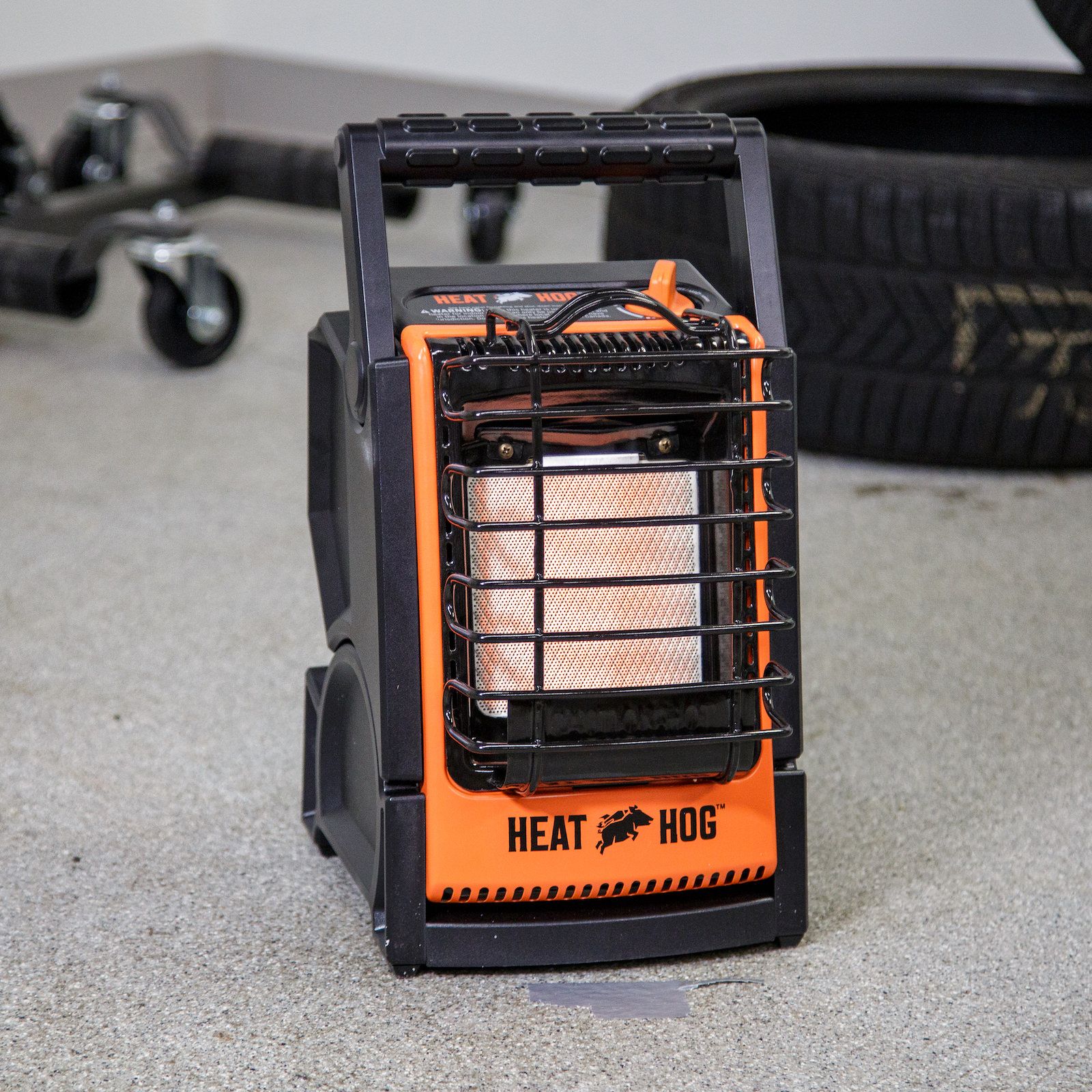
Store the heater in a dry, cool place. Cover it to keep dust away. Avoid damp areas that cause rust or mold. Make sure the fan is off and cool before storing. Good storage protects the fan and keeps it ready for use.
Credit: www.caranddriver.com
Frequently Asked Questions
Why Does My Mr Heater Big Maxx Fan Keep Running Nonstop?
A stuck thermostat or faulty relay often causes the fan to run continuously.
How Can I Stop The Mr Heater Big Maxx Fan From Running?
Check and reset the thermostat or replace the relay switch to stop the fan.
Is A Dirty Fan Sensor Causing The Big Maxx Fan To Run?
Yes, dirt or dust on the sensor can cause the fan to run nonstop.
Can A Wiring Issue Make The Big Maxx Fan Run Continuously?
Faulty or loose wiring may cause the fan to run without stopping.
Does The Fan Running Nonstop Drain More Power?
Yes, continuous running increases electricity use and can shorten fan life.
How Often Should I Clean The Mr Heater Big Maxx Fan?
Clean the fan and sensors every few months to keep it working well.
Can A Software Glitch Cause The Big Maxx Fan To Keep Running?
Rarely, but some models may need a reset to fix software glitches.
Should I Replace The Thermostat If The Fan Keeps Running?
Replacing a faulty thermostat often stops the fan from running nonstop.
Is Professional Repair Needed For A Constantly Running Big Maxx Fan?
If basic fixes fail, professional help can safely diagnose and fix the issue.
Can Overheating Cause The Mr Heater Big Maxx Fan To Run Nonstop?
Yes, overheating triggers the fan to run constantly for cooling purposes.
Conclusion
The Mr Heater Big Maxx fan running nonstop can be frustrating. Check the thermostat and power settings first. Dirt or dust may cause the fan to run continuously. Cleaning the fan might solve the problem quickly. Sometimes, a faulty sensor or switch needs fixing.
Regular maintenance helps keep the heater working well. Staying patient and troubleshooting step-by-step can save time and money. Keep your space warm and comfortable without extra noise. Small fixes often bring big relief. Don’t ignore the issue; address it soon for better heater performance.