
Are you seeing a blinking white light on your Sonos speaker and wondering what it means? That little light can tell you a lot about your device’s status, but it can also be confusing if you don’t know what to look for.
You want your Sonos system to work perfectly, without interruptions or issues. Keep reading, because understanding that blinking white light could be the key to fixing problems fast and getting back to enjoying your music. Don’t let a simple light hold you back—let’s unlock what it’s trying to tell you.

Credit: www.youtube.com
Why Sonos Shows A Blinking White Light
Sonos devices use lights to communicate their status. A blinking white light is a common signal that users notice. Understanding why this light blinks helps solve issues quickly. This guide explains the meaning and common causes behind the blinking white light on Sonos.
Meaning Of The White Light
A blinking white light on Sonos shows the device is starting up. It means the speaker is booting or updating software. This light signals the device is not ready for use yet. It also appears during network connection attempts. The blinking stops once the device is fully ready.
Common Causes Behind The Issue
The blinking white light often happens during a software update. The device may also blink white if it struggles to connect to Wi-Fi. Power interruptions can trigger the light to blink as well. Sometimes, the device resets itself, causing the light to flash. Network problems are a frequent cause of this blinking.
Simple Steps To Fix The Blinking White Light
Seeing a blinking white light on your Sonos speaker can be confusing. This light often means the speaker is trying to connect or update. You do not need to worry. The fix is usually simple. Follow these easy steps to solve the blinking white light issue quickly.
Restarting Your Sonos Speaker
First, try restarting your Sonos speaker. Turn off the power by unplugging the device. Wait for about 10 seconds. Plug it back in and turn it on. This can clear minor glitches and reset the connection. Watch the light to see if it stops blinking.
Checking Network Connections
Next, check your network connections. Make sure your Wi-Fi is working well. Confirm the speaker is within range of your router. Restart your router if needed. A strong, stable connection helps the speaker work smoothly. Weak signals often cause blinking white lights.
Resetting The Sonos App
Try resetting the Sonos app on your phone or tablet. Close the app completely and reopen it. You can also log out and log back in. This refreshes the app’s connection to your speaker. It often fixes syncing problems that cause the blinking light.
Advanced Troubleshooting Tips
Advanced troubleshooting can fix Sonos blinking white light issues. Basic fixes may not work for complex problems. This section guides you through deeper steps.
Performing A Factory Reset
Resetting your Sonos restores original settings. This clears errors causing the blinking white light. Hold the mute button while unplugging. Keep holding until the light flashes orange and white. Release the button and wait for the reset to finish. Set up your Sonos again after this.
Updating Sonos Firmware
Outdated firmware can cause connection problems. Open the Sonos app on your phone or computer. Go to Settings, then System Updates. Check for new updates and install them. Updates fix bugs and improve performance. Make sure your Sonos connects to Wi-Fi during this process.
Inspecting Hardware For Damage
Physical damage might cause the blinking light. Check the power cable for cuts or bends. Inspect the speaker for cracks or dents. Loose connections can also cause issues. Try using a different power outlet. If damage is found, consider professional repair or replacement.
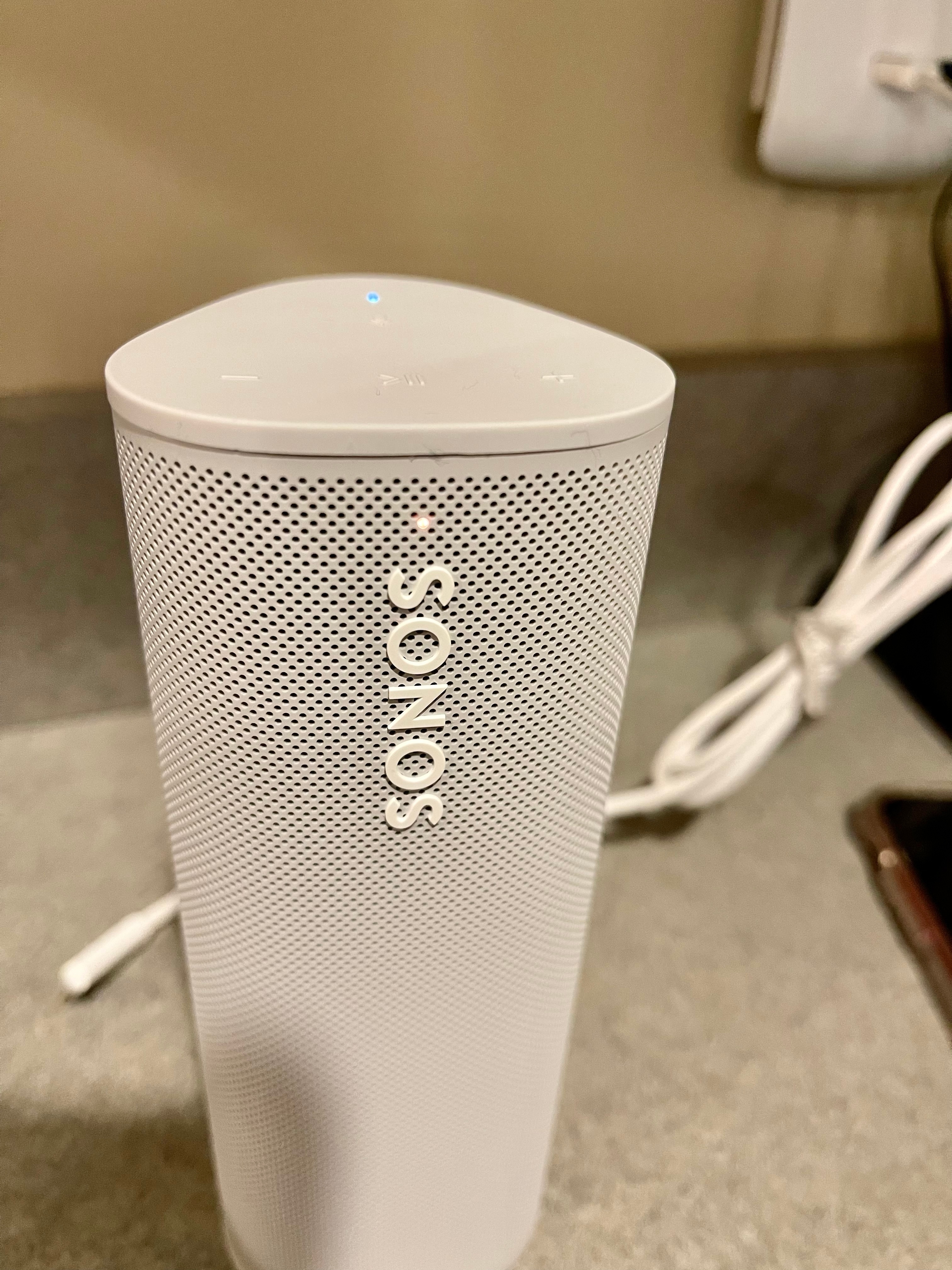
Credit: en.community.sonos.com
Preventing Future Blinking White Light Issues
Preventing future blinking white light issues on your Sonos device helps keep your system running smoothly. This light often signals a connection or setup problem. Taking simple steps can reduce these interruptions and improve your listening experience.
Maintaining Stable Wi-fi
Sonos devices need a strong and steady Wi-Fi signal. Keep your router close to your Sonos speaker for better connection. Avoid placing the router behind thick walls or large metal objects. Reset your router regularly to clear any network issues. Use a Wi-Fi network with less traffic for more stability.
Regular Software Updates
Sonos releases updates to fix bugs and improve performance. Check for updates often and install them quickly. Updated software helps your device work without errors. Enable automatic updates to avoid missing important fixes. Keeping software fresh reduces blinking white light errors.
Proper Device Placement
Place your Sonos speaker in an open area, away from interference. Avoid spots near microwaves, cordless phones, or baby monitors. These devices can disrupt wireless signals. Position your speaker on a stable surface to prevent accidental disconnections. Good placement supports a steady connection and stops blinking lights.

Credit: www.youtube.com
Frequently Asked Questions
What Does A Blinking White Light On Sonos Mean?
A blinking white light on Sonos shows the speaker is starting up. It means the device is ready to connect or update. Wait a moment for it to stop blinking.
How To Fix Sonos Blinking White Light Issue?
Try unplugging your Sonos for 10 seconds, then plug it back in. Check your Wi-Fi connection is strong. Restart your router if needed.
Can Sonos Blinking White Light Indicate A Software Update?
Yes, the blinking white light can mean Sonos is updating software. Let the update finish without unplugging the speaker. Interrupting may cause issues.
Why Does Sonos Light Keep Blinking White After Setup?
If the white light keeps blinking, the speaker may not connect to Wi-Fi. Double-check your Wi-Fi password and network settings. Try resetting the speaker.
Is Blinking White Light On Sonos Normal During Use?
No, a blinking white light during use often means a connection problem. Check your Wi-Fi and try restarting the Sonos device. Solid white means normal operation.
Conclusion
A blinking white light on your Sonos device means it is starting up or updating. Wait a few minutes to let it finish. If the light keeps blinking, check your Wi-Fi or restart the device. These simple steps often fix the problem.
Understanding what the blinking light means helps you avoid confusion. Keep your Sonos system working smoothly with easy care. Enjoy your music without interruptions.