
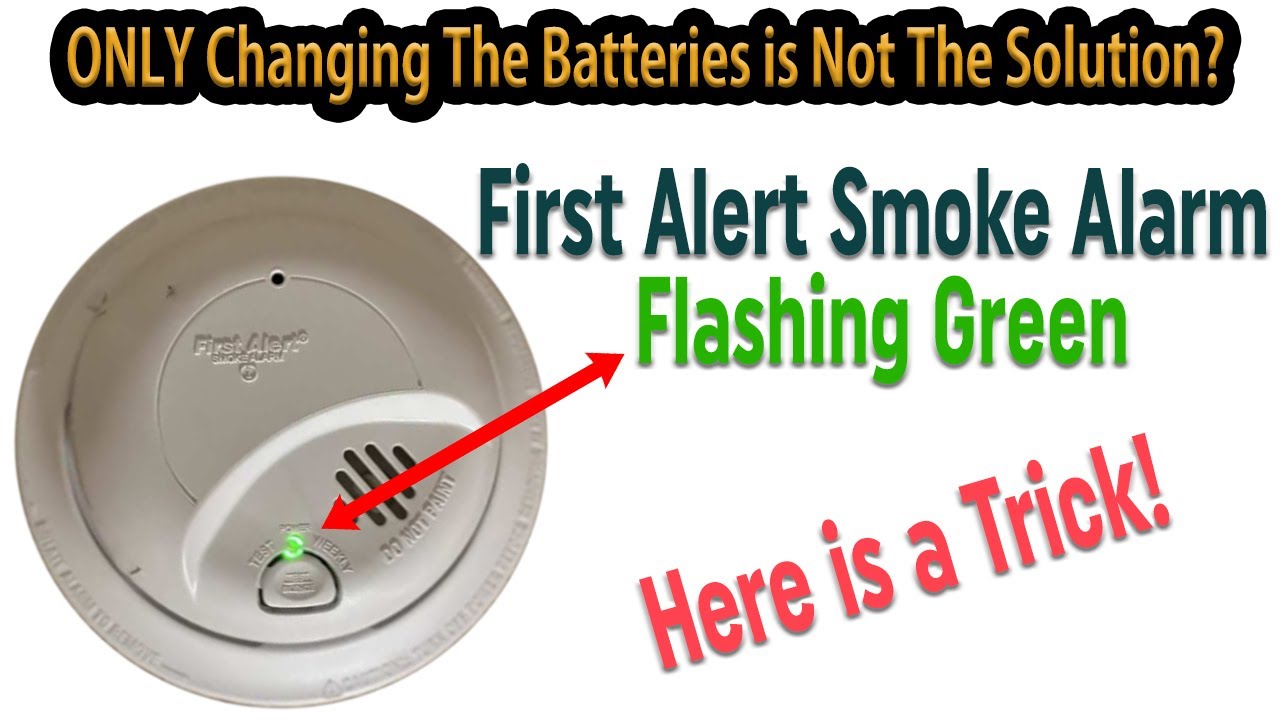
Have you ever noticed a green light blinking on your smoke detector and wondered what it means? That small, flashing light might seem harmless, but it’s actually trying to tell you something important about your safety.
Understanding why that green light blinks can help you keep your home protected and avoid unnecessary panic. You’ll learn exactly what the blinking green light means, what actions you should take, and how to keep your smoke detector working properly.
Keep reading—your peace of mind depends on it.
Why Smoke Detectors Blink Green
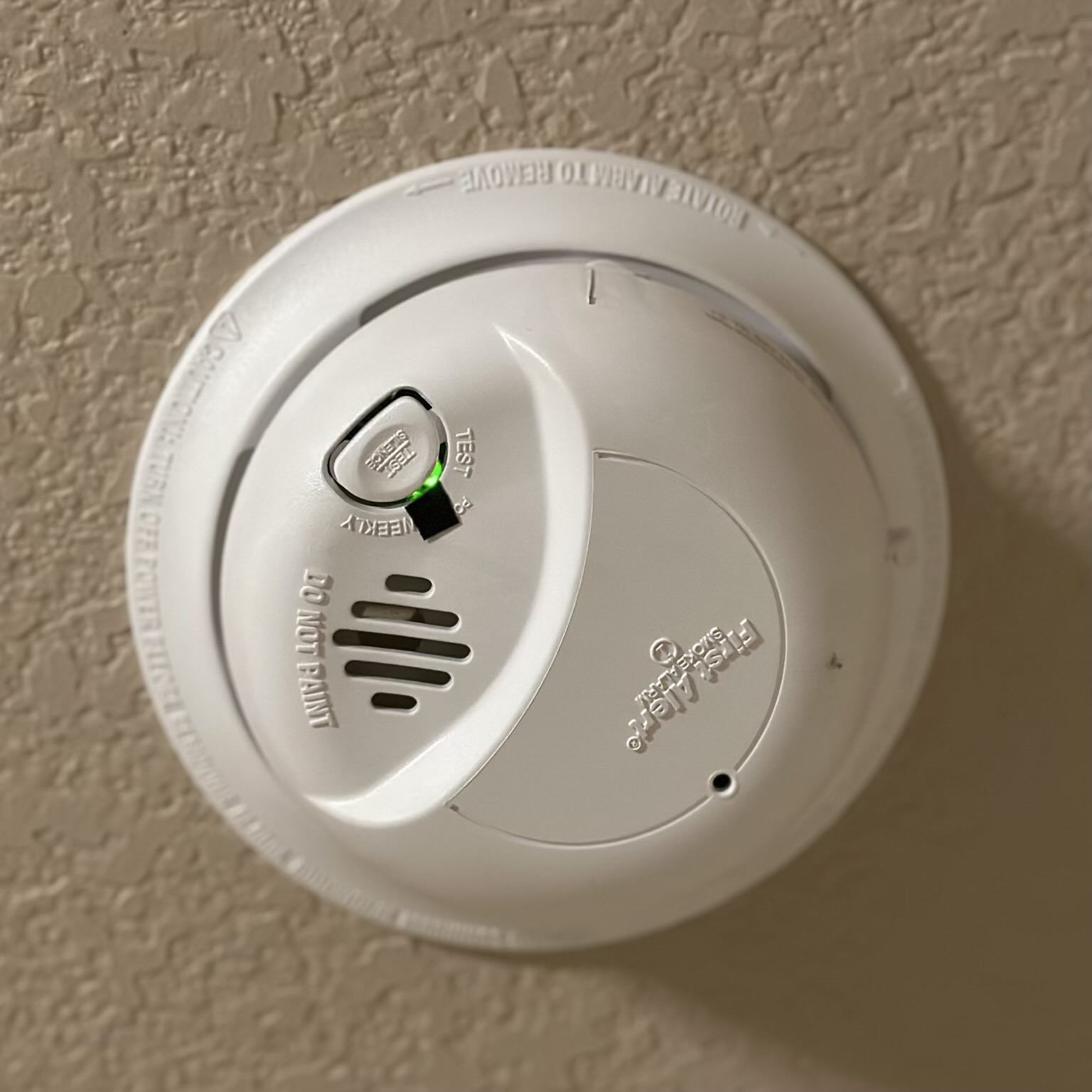
Smoke detectors often blink a green light to show their current status. This blinking is a simple way to communicate important information. Knowing why the green light blinks helps you understand your smoke detector better. It also keeps you aware of its working condition.
Normal Operation Indicator
A blinking green light usually means the smoke detector works fine. It shows the device is powered and active. The light blinks at regular intervals to confirm normal operation. This steady blink assures you the detector is ready to detect smoke.
Battery Status Signals
Some smoke detectors use the green light to signal battery health. A slow blink often means the battery is good. A faster blink might warn the battery is low. This alert helps you change batteries before the detector stops working.
Alerting To Sensor Issues
The green light can also warn about sensor problems. Irregular blinking or rapid flashes may indicate an error. This signal tells you the detector needs cleaning or service. Addressing sensor issues keeps your home safe and protected.
Credit: www.youtube.com
Common Reasons For Green Light Blinking
The green light blinking on a smoke detector signals different issues. Understanding these signals helps keep your home safe. The blinking light often indicates a problem needing attention.
Some causes are simple, like battery issues. Others point to more serious device concerns. Knowing the common reasons can save time and avoid confusion.
Low Battery Warnings
The most frequent reason for a blinking green light is a low battery. Smoke detectors need fresh batteries to work properly. When the battery runs low, the light blinks to warn you. Replace the battery promptly to keep the alarm active.
Power Supply Fluctuations
Hardwired smoke detectors depend on steady power. Power surges or outages can cause the green light to blink. This signal means the device is not getting stable electricity. Check your home’s power source or circuit breaker for issues.
End Of Device Life
Smoke detectors have a lifespan of about 8 to 10 years. When a device nears its end, the green light may blink. This alerts you to replace the entire unit. Using an old detector can reduce safety and reliability.
Environmental Factors
Dust, humidity, or steam can affect the detector’s sensors. These conditions might cause the green light to blink. Keep the device clean and away from moisture. Proper placement helps avoid false alerts and blinking lights.
Troubleshooting Steps
The green light blinking on your smoke detector can signal different issues. Troubleshooting helps find the cause and fix it quickly. Follow these simple steps to keep your home safe and your smoke detector working right.
Checking And Replacing Batteries
Start by checking the batteries in the smoke detector. A blinking green light often means the battery is low or dead. Open the detector’s cover and remove the old batteries. Replace them with fresh, new ones. Make sure the batteries fit correctly and have good contact.
Close the cover and watch the light. If the green light stops blinking, the problem was the battery. If it keeps blinking, move to the next step.
Resetting The Smoke Detector
Resetting can clear errors and stop the blinking light. Find the reset button on the detector. Press and hold it for about 15 seconds. You might hear a beep or see the light flash.
Release the button and wait. The green light should stop blinking after the reset. If it does not, continue troubleshooting.
Inspecting Wiring And Connections
Wired smoke detectors can blink green due to loose connections. Turn off power at the circuit breaker before you check. Open the detector carefully and look at the wires.
Make sure all wires are tight and connected properly. Loose or damaged wires need fixing. After checking, close the detector and restore power. See if the green light stops blinking.
Cleaning The Sensor
Dust and dirt can cause false signals and blinking lights. Use a soft brush or vacuum cleaner to clean the detector’s sensor area. Avoid using water or cleaning sprays inside the detector.
Clean the outside and inside gently. After cleaning, check if the green light still blinks. Regular cleaning helps keep the detector working well.
Credit: felixwong.com
When To Replace Your Smoke Detector
Knowing when to replace your smoke detector is very important for safety. A blinking green light often signals a need to check the device closely. Smoke detectors do not last forever. They need replacement to keep your home safe.
Signs Of Malfunction
A smoke detector may show signs of malfunction before it stops working. The green light might blink irregularly or stay off. You may hear frequent false alarms or no alarms at all. Dust or corrosion can also cause the device to fail. If you notice these signs, replace the smoke detector immediately.
Manufacturer’s Lifespan Recommendations
Most smoke detectors have a lifespan of 8 to 10 years. Check the date printed on the back of your device. Manufacturers recommend replacing the unit after this period. The sensors inside wear out and become less reliable. Following these guidelines ensures your smoke detector works well.
Upgrading To New Models
New smoke detector models offer better technology and features. Some detect smoke faster and reduce false alarms. Others combine smoke and carbon monoxide detection. Upgrading can improve safety and provide peace of mind. Consider replacing old units with newer models for better protection.
Preventive Tips To Avoid Issues
Green light blinking on a smoke detector signals that it is working. But sometimes, constant blinking can mean trouble. Simple steps can help avoid problems and keep your home safe. Follow these preventive tips to keep your smoke detector in good condition.
Regular Maintenance Schedule
Check your smoke detector once a month. Clean dust and dirt from the sensor with a soft brush or vacuum. Test the alarm by pressing the test button. Replace the unit every 10 years to ensure it works well.
Proper Installation Locations
Place smoke detectors on every floor of your home. Avoid kitchens and bathrooms to reduce false alarms. Install detectors on the ceiling or high on walls. Keep them away from windows and vents.
Using Quality Batteries
Use high-quality batteries for better performance. Replace batteries at least once a year. Change batteries immediately if the alarm beeps or the light blinks fast. Keep spare batteries in your home for quick changes.

Credit: forums.thefirepanel.com
Frequently Asked Questions
What Does A Green Light Blinking On A Smoke Detector Mean?
A blinking green light usually shows the smoke detector has power. It means the device is working properly.
How Often Should The Green Light Blink On Smoke Detectors?
The green light should blink every 30 to 60 seconds. This steady blink shows the device is active.
Can A Green Blinking Light Indicate A Smoke Detector Problem?
Rarely. A green blink mostly means normal function. But if it blinks fast or irregularly, check the manual.
What To Do If Green Light Stops Blinking On Smoke Alarm?
If the green light stops blinking, the smoke detector might have no power. Replace batteries or test the unit.
Does Blinking Green Light Affect Smoke Detector’s Alarm Function?
No, the blinking green light does not affect the alarm. It only shows the device is powered and ready.
Conclusion
A green light blinking on your smoke detector shows it is working. It may also mean the battery is low or needs replacement. Always check the user manual for specific signals. Regular testing keeps your home safe from fire risks.
Don’t ignore blinking lights; act quickly to stay protected. Keep your smoke detector clean and replace batteries as needed. Safety starts with small steps like these. Stay alert and keep your family safe every day.