
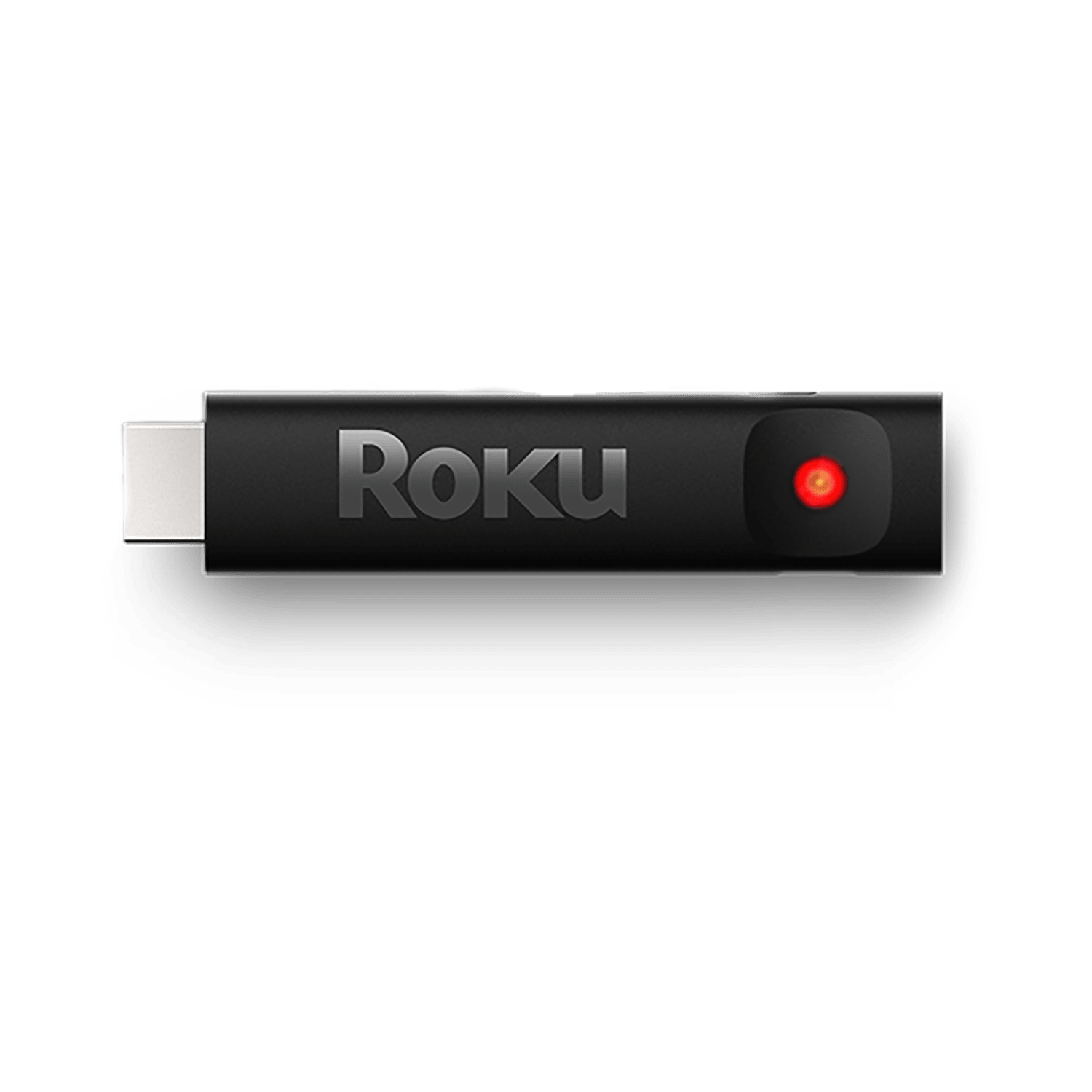
Are you staring at your Roku Express, only to see a blinking white light that won’t go away? It’s frustrating when your streaming device acts up, especially when all you want is to relax and watch your favorite shows.
That blinking white light is more than just a flicker—it’s a signal that something isn’t quite right. But don’t worry, you’re not alone, and there’s a way to fix it. Keep reading to discover simple and effective steps to get your Roku Express back to normal, so you can enjoy smooth streaming again.
Credit: support.roku.com
Why Roku Express Blinks White Light
The Roku Express blinking white light often causes confusion. This light can mean different things based on the device’s current activity. Understanding why this light blinks helps solve common problems quickly.
Sometimes, the blinking white light is normal. Other times, it signals updates or connection troubles. Knowing the reasons behind these signals keeps your Roku Express running smoothly.
Normal Startup Indicator
The blinking white light can show the Roku Express is starting up. During this phase, the device checks hardware and software. The light blinks steadily until the system is ready. This blinking usually lasts only a few seconds. It means the Roku is powering on and working properly.
Firmware Update Process
The white light blinks during firmware updates. Roku Express downloads and installs new software in this mode. The blinking may last longer than startup. Do not turn off the device during updates. Interrupting updates can cause system errors. The blinking light here shows the update is in progress.
Signal And Connection Issues
Blinking white light can also point to connection problems. This happens if the Roku has trouble connecting to Wi-Fi or the TV. The device may try to reconnect repeatedly. Check the Wi-Fi signal strength and cables. Poor connections often cause this blinking pattern. Fixing signal issues stops the blinking and restores normal function.

Credit: routerfreak.com
Simple Fixes For Blinking White Light
The blinking white light on your Roku Express can cause confusion. It signals an issue, but the fix might be simple. Most problems clear up with easy steps. Try these fixes to get your Roku back on track quickly.
Restart Your Roku Device
Turn off your Roku Express by unplugging it from power. Wait for about 30 seconds. Plug it back in and turn it on. Restarting clears minor software glitches that cause the blinking light.
Check Hdmi And Power Connections
Loose or faulty cables can cause the blinking white light. Make sure the HDMI cable is firmly connected to both TV and Roku. Check the power cable for damage and secure connection. Replace cables if needed to ensure a stable connection.
Reset Your Roku Remote
A remote issue can trigger the blinking light on Roku. Remove the batteries from your remote. Press and hold the power button for 10 seconds. Reinsert batteries and pair the remote with your Roku again. This reset often solves remote-related problems.
Advanced Troubleshooting Steps
Advanced troubleshooting helps fix complex Roku Express blinking white light problems. These steps go beyond basic fixes and target deeper issues. Follow each carefully to restore your device’s normal function.
Factory Reset Your Roku Express
Resetting your Roku Express clears all settings and data. It returns the device to its original state. Press and hold the reset button on your Roku. Hold it for about 20 seconds until the light blinks. Wait for the device to restart. Set up your Roku again from scratch.
Update Roku Software Manually
Manual software updates fix bugs causing the blinking light. Access the Roku settings menu. Select System, then System Update. Choose Check Now to find new updates. Follow on-screen instructions to install the update. Restart your Roku after updating.
Inspect For Hardware Problems
Hardware issues can cause blinking white lights. Check all cables and power connections. Make sure the power adapter works properly. Try plugging the Roku into a different outlet. Look for visible damage on the device. Replace faulty hardware parts if needed.

Credit: www.reddit.com
Preventing Future Blinking Issues
Preventing future blinking issues with your Roku Express helps keep your streaming smooth. Small steps can stop the white light from blinking again. These tips protect your device and improve its performance. Follow them to enjoy uninterrupted viewing.
Keep Software Up To Date
Roku often releases updates to fix bugs and improve stability. Updating your device stops many problems, including blinking lights. Check for updates regularly through your Roku settings. Install updates as soon as they are available. This keeps the software fresh and reliable.
Use Reliable Power Sources
Power problems cause many Roku blinking issues. Always use the original power adapter or a trusted replacement. Avoid plugging Roku into low-quality power strips or extension cords. A steady power supply keeps your device running without flickering lights. Unstable power can cause crashes and blinking.
Avoid Overheating Your Device
Heat can damage your Roku and cause blinking lights. Place your Roku in a cool, open area with good airflow. Do not block vents or cover the device. Avoid placing it near heat sources like TVs or routers. Keeping your Roku cool helps maintain smooth operation.
Frequently Asked Questions
Why Is My Roku Express Blinking White Light?
A blinking white light means the Roku is updating or restarting. Wait a few minutes for it to finish. If it keeps blinking, try restarting the device manually.
How To Fix Roku Express Blinking White Light Issue?
Unplug the Roku from power for 10 seconds, then plug it back in. Check your internet connection. Reset the Roku to factory settings if needed.
Does Blinking White Light Mean Roku Express Is Broken?
Not always. It often shows the device is updating or rebooting. Persistent blinking could indicate a hardware or software problem.
Can Poor Power Supply Cause Roku Express Blinking White Light?
Yes, unstable or weak power can cause blinking lights. Use the original power adapter and avoid USB ports on TVs for power.
How Long Should Roku Express Blinking White Light Last?
Usually, the blinking light lasts less than 5 minutes during updates. If it blinks for longer, try restarting or resetting your Roku.
Conclusion
A blinking white light on your Roku Express shows a problem. Restart the device to fix many common issues. Check your internet connection for stability. Make sure the HDMI cable is secure. Resetting the Roku can help if the light keeps blinking.
These simple steps often bring your Roku back to normal. Stay patient and try each fix one at a time. Your streaming should work smoothly again soon.