
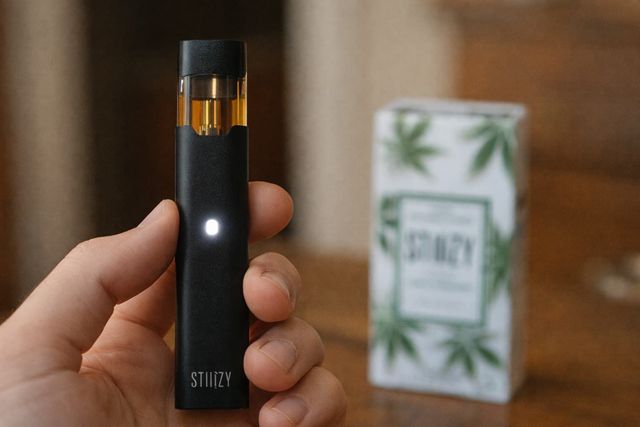
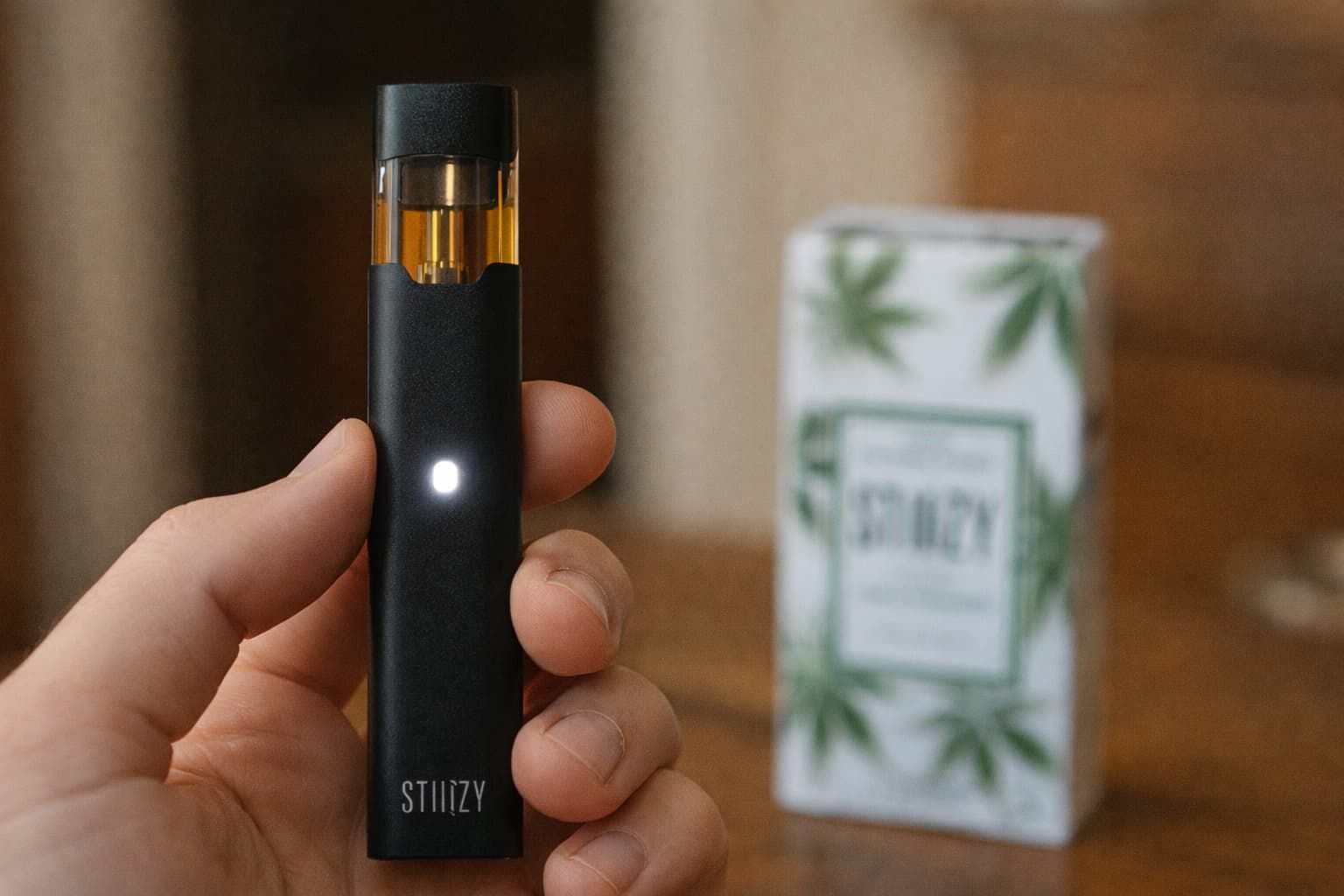
Are you frustrated because your Stiiizy pod is blinking but not hitting? You’re not alone, and this common problem can quickly ruin your vaping experience.
When your device blinks but won’t fire, it’s more than just an annoyance—it’s a sign something’s off. But don’t worry, you don’t have to guess what’s wrong or toss your pod just yet. You’ll discover simple, practical steps to fix the blinking issue and get your Stiiizy back to smooth, satisfying hits.
Keep reading—your perfect vape session is closer than you think.
Common Causes Of Blinking Pods
The blinking light on a Stiiizy pod can cause confusion. Many users wonder why their pod blinks but does not hit. Understanding the common causes helps fix the issue quickly. Below are the main reasons a pod blinks without working.
Battery Issues
A low or dead battery often causes blinking pods. The device may not have enough power to heat the coil. Charging the battery fully can solve this problem. Sometimes, poor battery contacts stop the pod from working. Cleaning the contacts can improve the connection and stop blinking.
Connection Problems
Connection issues between the pod and battery cause blinking lights. Dirt or residue can block the connection points. Removing the pod and cleaning the contacts helps restore the link. A loose pod can also cause blinking. Make sure the pod fits tightly in the battery slot.
Faulty Pod Detection
The device may fail to detect the pod correctly. This happens if the pod is damaged or defective. Using a new pod often stops the blinking. Dirt on the pod’s sensors can also cause detection errors. Clean the sensors gently to fix this issue.
Overheating Concerns
Overheating triggers the pod to blink as a safety measure. Continuous use or high voltage can cause the device to get hot. Let the device cool down before using it again. Avoid rapid or long draws to prevent overheating in the future.
Credit: fioridelivery.com
Quick Troubleshooting Steps
Stiiizy pods blinking but not hitting can be frustrating. Quick troubleshooting helps fix common issues fast. These simple steps can get your device working again. Follow each step carefully for the best result.
Clean The Contacts
Dirty contacts can stop the pod from working properly. Use a cotton swab or a dry cloth to clean the metal contacts on the pod and device. Remove any dust or residue gently. Clean contacts help the pod connect well with the battery.
Charge The Battery Fully
Low battery power can cause blinking and no vapor. Plug your Stiiizy device into the charger and let it charge fully. Wait until the light shows it is done charging. A full battery gives the device enough power to work right.
Reset The Device
Resetting can clear small errors in the device. Remove the pod, then press the power button five times quickly. Put the pod back in and try to use it again. This process helps refresh the system and may stop the blinking.
Check For Pod Compatibility
Not all pods work with every Stiiizy device. Make sure your pod matches your device model. Using the wrong pod can cause blinking and no hits. Check the packaging or product details to confirm compatibility.
Advanced Fixes To Try
Advanced fixes help solve issues that basic steps cannot. These solutions focus on the device’s hardware and software. They require more care but often fix stubborn problems. Try these methods if your Stiiizy pod keeps blinking but won’t hit.
Replace The Pod
A damaged pod may cause blinking and no vapor. Pods wear out over time or get faulty during use. Swap your old pod with a new one. This step often solves the problem quickly. Make sure the new pod fits your device model.
Update Firmware
Firmware controls your Stiiizy device’s functions. Outdated firmware can cause glitches, including blinking lights. Check the official Stiiizy website for updates. Follow the instructions to update the device software. Updated firmware improves performance and fixes bugs.
Inspect For Physical Damage
Damage to the device or pod can block proper function. Look for cracks, dents, or bent connectors. Clean all contacts gently with a dry cloth. Avoid water or harsh chemicals. Replace any parts that look broken or worn out. Physical repair often restores normal use.
Preventive Tips For Smooth Use
Using your Stiiizy pod smoothly means less frustration and more enjoyment. Simple care habits can stop blinking issues and improve performance. Take a few easy steps to keep your device working well over time.
Proper Storage Habits
Store your Stiiizy pod in a cool, dry place. Avoid extreme heat or cold, which can damage the battery and pod. Keep the pod away from dust and dirt to prevent clogging. Use the original case or a small container to protect it during travel.
Regular Maintenance
Clean the connection points often with a cotton swab or soft cloth. Dirt buildup can cause blinking and poor hits. Check the pod for leaks or damage regularly. Replace pods that look worn out to avoid problems.
Avoid Overcharging
Charge your Stiiizy pod only until full. Overcharging can reduce battery life and cause blinking issues. Unplug the charger once the device is fully charged. Use the charger provided by the manufacturer for best results.
When To Seek Professional Help
Persistent blinking with no vapor might mean a serious issue. Seek expert help if basic fixes don’t work. Avoid using damaged pods to protect your device and health.
The Stiiizy pod blinking but not hitting can be frustrating. Sometimes, simple fixes do not work. At this point, professional help is the best choice. Experts can diagnose and fix issues safely and quickly.
Trying to repair the device without experience might cause more damage. Professionals have the right tools and knowledge to handle problems properly. Knowing when to seek help saves time and money.
Warranty And Support Options
Check if your Stiiizy device is still under warranty. Most products have a limited warranty period. This can cover repairs or replacements for faulty devices. Contact the official Stiiizy support team for help.
They can guide you through the warranty claim process. Keep your purchase receipt and product details handy. Support teams also offer advice for common problems and safe usage tips.
Authorized Repair Centers
Use authorized repair centers for any device repairs. These centers have certified technicians trained by Stiiizy. They use genuine parts to ensure the device works correctly after repair.
Repairing at unauthorized places might void your warranty. It can also cause safety issues or further damage. Always choose authorized centers to keep your device safe and reliable.
Credit: fioridelivery.com

Credit: www.reddit.com
Frequently Asked Questions
Why Is My Stiiizy Pod Blinking But Not Hitting?
A blinking pod usually means a connection issue or low battery. Check the pod and battery contacts for dirt or damage.
How Do I Fix A Stiiizy Pod That Won’t Hit?
Try cleaning the pod and battery connections gently with a dry cloth. Ensure the pod is fully seated in the battery.
Can A Low Battery Cause Stiiizy Pod Blinking?
Yes, a low battery often causes the pod to blink and not work. Charge your device fully before use.
Is A Faulty Pod Causing The Blinking Light On Stiiizy?
A damaged or empty pod can cause blinking and no vapor. Replace the pod if cleaning does not help.
What Does A Blinking Stiiizy Pod Mean For Safety?
Blinking lights warn of possible device errors or overheating. Stop using it and check for damage or battery issues.
Conclusion
A blinking Stiiizy pod means it needs your attention. Check for loose connections or low battery first. Clean the contacts gently to improve the connection. Try replacing the pod if the problem stays. Small fixes often solve the issue quickly.
Stay patient and take care of your device. This way, you can enjoy smooth hits again. Simple steps make vaping easier and more fun. Keep your Stiiizy ready for the best experience.