
Is your Spectrum router blinking green and leaving you wondering what it means? You’re not alone.
That blinking light can be confusing, especially when your internet suddenly feels unreliable. But don’t worry—understanding what your router is trying to tell you is easier than you think. You’ll discover simple steps to fix the blinking green light and get your connection back to smooth, fast internet.
Keep reading, because your online peace of mind is just a few clicks away.
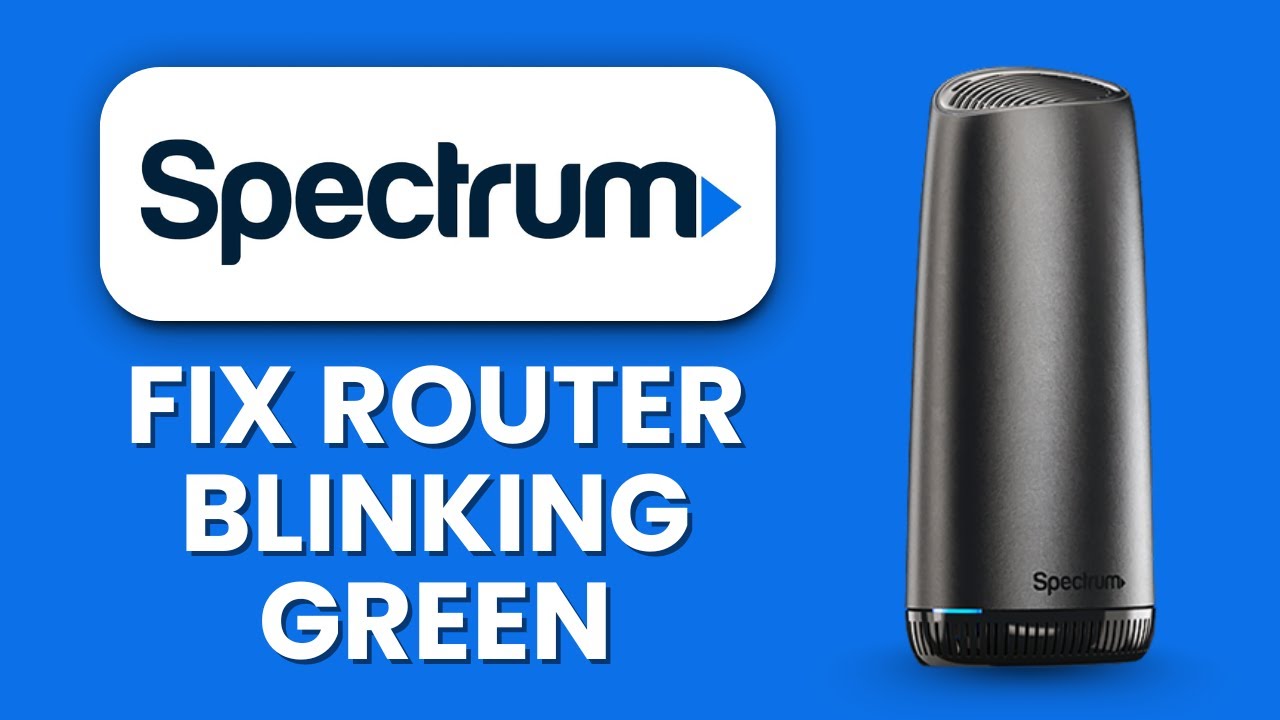
Credit: www.youtube.com
What Green Blinking Means
The blinking green light on your Spectrum router can tell you a lot. It shows what the router is doing at that moment. Understanding these signals helps you know if your internet is working well or if there is a problem.
Normal Activity Indicator
A green blinking light usually means the router is active. It sends and receives data to and from the internet. This blinking is a sign your connection is alive and working. The speed of blinking can change based on data traffic. Faster blinking means more data is moving through the router.
Connection Status Signals
The green light also shows your connection status. A steady green light means the router is ready and connected. Blinking green means it is trying to connect or is connected with activity. If the light blinks regularly, your internet is active. A slow blink may mean the router is in standby or low activity mode.
When To Worry
Green blinking is usually good. But, if it blinks for a very long time without stopping, it could mean a problem. The router might be stuck trying to connect. Also, if the internet is not working while blinking green, there might be an issue with your service. In these cases, restarting the router can help. If problems continue, contacting Spectrum support is best.
Common Causes Of Blinking Green
The blinking green light on your Spectrum router can signal different issues. Understanding these signs helps fix problems faster. This section covers the common causes behind the blinking green light.
Firmware Updates
The router blinks green during firmware updates. This process improves router performance and security. It usually lasts a few minutes. Interrupting it can cause errors. Let the update finish to avoid issues.
Network Traffic
Blinking green may mean heavy network traffic. Many devices use the internet at once. Streaming, gaming, or downloading large files increase data flow. The router blinks to show active data transfer. It’s normal during high usage times.
Hardware Issues
Hardware problems can cause blinking green lights. Overheating or loose cables affect router function. Internal faults may also trigger blinking. Check cables and router placement. Replace or repair hardware if blinking persists.
Isp Connectivity
Connection problems with your internet provider cause blinking green. The router tries to connect or reconnect to the ISP. Service outages or line faults may be the cause. Contact Spectrum support if the blinking continues for a long time.
Quick Fixes To Try
The blinking green light on your Spectrum router can signal different issues. Many problems fix quickly with simple steps. Try these quick fixes to get your internet back fast.
These easy actions often solve the blinking green light problem. No special tools needed. Just follow the steps below.
Restart The Router
Unplug the router from power. Wait for 30 seconds. Plug it back in and wait for the light to stabilize. This simple step clears minor glitches.
Check Cable Connections
Make sure all cables are tight and secure. Check the power cable, ethernet cables, and coaxial cable. Loose cables cause connection issues and blinking lights.
Reset To Factory Settings
Find the reset button on the back of the router. Hold it for 10 seconds using a paperclip. The router will restart with default settings. This can fix deeper problems.
Relocate The Router
Move your router to a central, open space. Keep it away from walls and metal objects. Better placement improves signal and often stops blinking green lights.
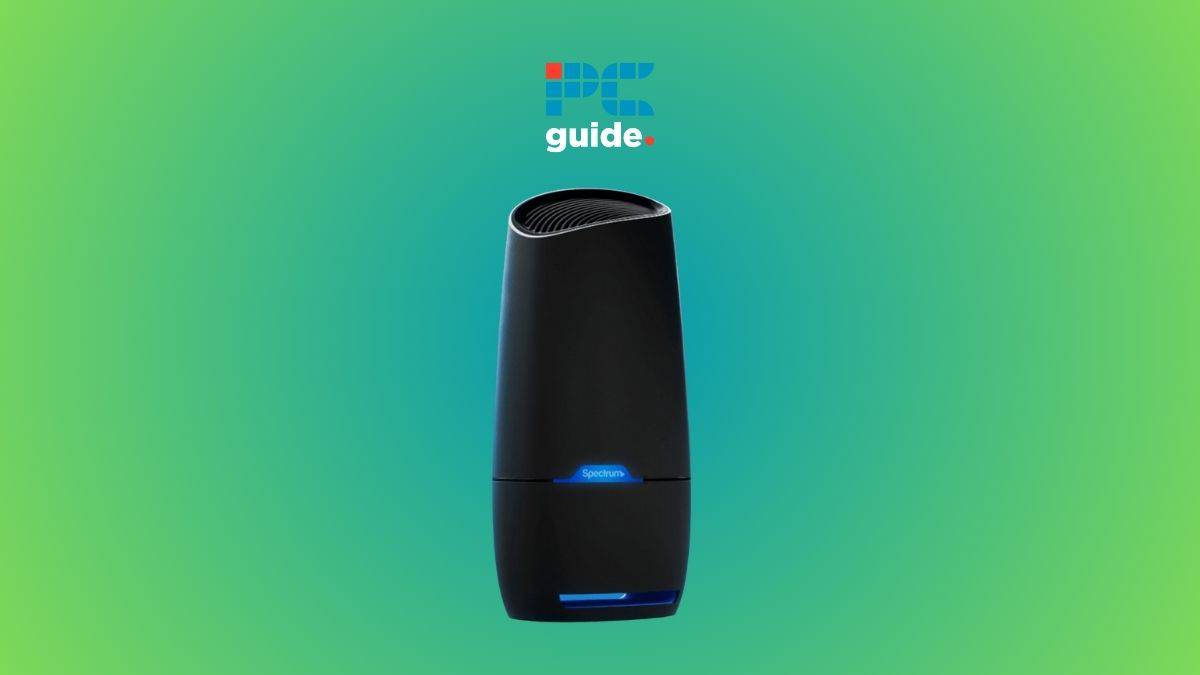
Credit: www.pcguide.com
Advanced Troubleshooting Steps
Advanced troubleshooting helps fix a blinking green light on your Spectrum router. Basic steps like restarting may not solve the issue. These methods dig deeper into the problem.
Follow these steps carefully. They can improve your internet connection and stop the blinking light.
Update Firmware Manually
Firmware controls how your router works. Outdated firmware can cause blinking lights. Find your router’s IP address. Usually, it is 192.168.1.1 or 192.168.0.1. Type it in your browser.
Log in using your username and password. Look for the firmware update option. Download the latest version from Spectrum’s website. Upload it to your router and wait for the update to finish.
Change Wireless Channels
Wireless channels carry your Wi-Fi signal. Many devices may use the same channel. This causes interference and blinking lights. Access your router’s settings page. Find the wireless channel option.
Try changing the channel to 1, 6, or 11. These are the best channels for Wi-Fi. Test your connection after changing the channel. Keep switching until the blinking stops.
Check For Interference
Other electronics may disrupt your Wi-Fi signal. Microwaves, cordless phones, and Bluetooth devices can cause interference. Move your router away from these items. Keep it in an open space.
Metal objects and thick walls also weaken signals. Remove obstacles near your router. Check your connection again. This may stop the green light from blinking.
Contact Spectrum Support
Sometimes, issues need professional help. Spectrum support can diagnose and fix complex problems. Prepare your account details and router information. Call or chat with their support team.
Describe the blinking green light issue clearly. Follow their instructions step-by-step. They may send a technician if needed. Getting expert help ensures your internet works well.
Preventing Future Issues
Preventing future issues with your Spectrum router helps keep your internet reliable. Simple steps can stop blinking green lights and connection problems. Regular care makes your network strong and steady.
Regular Firmware Updates
Keep your router’s firmware up to date. Updates fix bugs and improve performance. Check for updates often. Use the router’s settings page or Spectrum’s website. Updated firmware reduces errors and keeps your connection smooth.
Proper Router Placement
Place your router in an open, central spot. Avoid walls, metal objects, and electronic devices nearby. These can block signals and cause blinking lights. Higher placement, like on a shelf, helps spread signals better. Good placement means stronger internet in every room.
Monitor Network Usage
Watch how many devices use your network. Too many connected devices slow your speed. Limit heavy downloads or streaming during important tasks. Managing usage prevents overload and keeps your router stable. Simple monitoring avoids blinking green issues.
Use Quality Hardware
Choose good quality cables and routers. Cheap or old equipment may fail or cause errors. Use devices approved by Spectrum for best results. Quality hardware ensures better signal and fewer problems. Investing in reliable gear saves time and hassle later.

Credit: www.reddit.com
Frequently Asked Questions
What Does A Blinking Green Light On Spectrum Router Mean?
A blinking green light usually means the router is starting up or trying to connect. It shows the device is working but not fully ready yet.
How Long Should Spectrum Router Blink Green?
The green blinking should last only a few minutes during startup. If it blinks for longer, there might be a connection or hardware issue.
How To Fix Spectrum Router Blinking Green Constantly?
Try restarting the router by unplugging it for 30 seconds and plugging it back in. Check cables to ensure they are secure and undamaged.
Can Blinking Green Light Cause Internet Issues?
Yes, a blinking green light can mean the router is not connected properly. This can cause slow or no internet access.
When To Call Spectrum Support For Blinking Green Light?
Call support if blinking green lasts more than 15 minutes or if internet stays offline. They can help diagnose and fix more complex problems.
Conclusion
A blinking green light on your Spectrum router often means it is connecting or updating. Waiting a few minutes usually solves the issue. Restart the router if the blinking continues. Check all cables to ensure they are secure. Resetting the router can help if problems persist.
Contact Spectrum support for help if needed. Staying calm and following these steps can restore your internet quickly. Understanding these signals makes managing your connection easier.