Is your Duraflame infrared heater not working the way it should? You’re not alone, and you don’t have to let a chilly room ruin your comfort.
Whether it’s not turning on, making strange noises, or not producing enough heat, these common problems can be fixed with the right steps. In this guide, you’ll find simple and effective troubleshooting tips that anyone can follow. Keep reading to learn how to get your heater back to warming your space quickly and safely.
Your cozy comfort is just a few fixes away.

Credit: www.youtube.com
Common Issues
Duraflame infrared heaters are popular for their warmth and efficiency. Sometimes, these heaters face common issues that need quick fixes. Understanding these problems helps keep your heater working well. This section covers typical troubles and easy ways to spot them.
Heater Won’t Turn On
Check if the heater is plugged in properly. Make sure the power outlet works by testing another device. Inspect the power cord for damage. Press the power button firmly. Some models have a safety switch that must be reset. A blown fuse or tripped circuit breaker can also stop the heater from turning on.
Uneven Heat Distribution
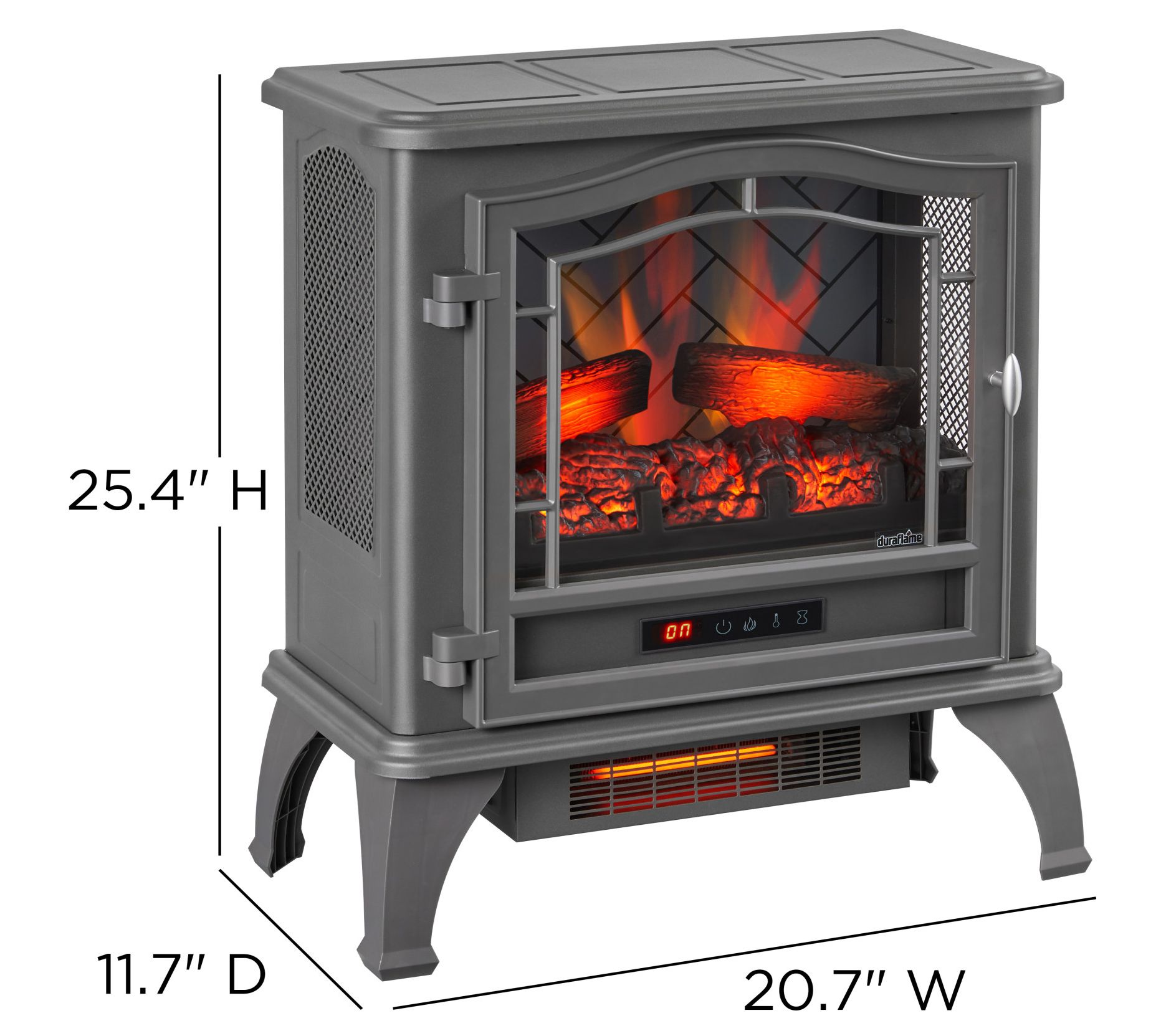
Heat should spread evenly from the heater. Clear any objects blocking the heater’s front. Dust and dirt on the heating element reduce performance. Clean the heater regularly to avoid this. Place the heater on a flat surface for better heat flow. Cold spots may mean the heater needs a service check.
Remote Control Not Working
Check the remote’s batteries and replace if weak. Clean the remote sensor on the heater and remote. Make sure nothing blocks the signal path between the remote and heater. Resetting the remote and heater can fix some issues. If the remote still fails, it may need replacement.
Unusual Noises
Strange sounds can mean a problem. Loose parts inside the heater cause rattling. Dust buildup may make fan noises louder. Turn off the heater and clean the fan and vents. If the noise continues, the motor or fan might be faulty and need repair.
Overheating And Shutdown
Overheating causes the heater to shut down for safety. Ensure vents and air intakes are clear of dust. Do not cover the heater or block airflow. Check if the heater is placed too close to walls or furniture. If overheating continues, the thermostat or sensor might be broken.
Credit: www.standardwool.uk
Quick Fixes
Duraflame infrared heaters are reliable, but sometimes they need a quick fix. Simple steps can solve common issues fast. Follow these easy tips to get your heater working again.
Checking Power Supply
First, ensure the heater is plugged in securely. Check the outlet by plugging in another device. Look for blown fuses or tripped circuit breakers. A steady power supply is essential for the heater to run.
Resetting The Heater
Turn off the heater and unplug it from the power source. Wait for about five minutes to let it cool down. Plug it back in and turn it on. This reset can clear minor electrical glitches.
Cleaning The Unit
Dust and dirt can block the heater’s vents. Use a soft cloth or vacuum cleaner to remove debris. Keep the heater clean to maintain good airflow and heating efficiency.
Replacing Batteries
Remote controls may stop working due to dead batteries. Open the battery compartment and remove old batteries. Insert new ones following the correct polarity. This simple step restores remote functionality.
Adjusting Settings
Check the thermostat and timer settings on your heater. Make sure the temperature is set above room temperature. Reset any timers that might be off. Proper settings ensure the heater runs as expected.
Maintenance Tips
Proper maintenance keeps your Duraflame Infrared Heater working well. It helps avoid many common problems. Follow simple steps to keep your heater safe and efficient. Small efforts can extend its life and improve performance.
Regular Cleaning Routine
Dust and dirt can block heat flow. Clean the heater surface often with a soft cloth. Use a vacuum with a brush attachment for vents. Never use water or harsh cleaners. Clean parts gently to avoid damage.
Safe Placement
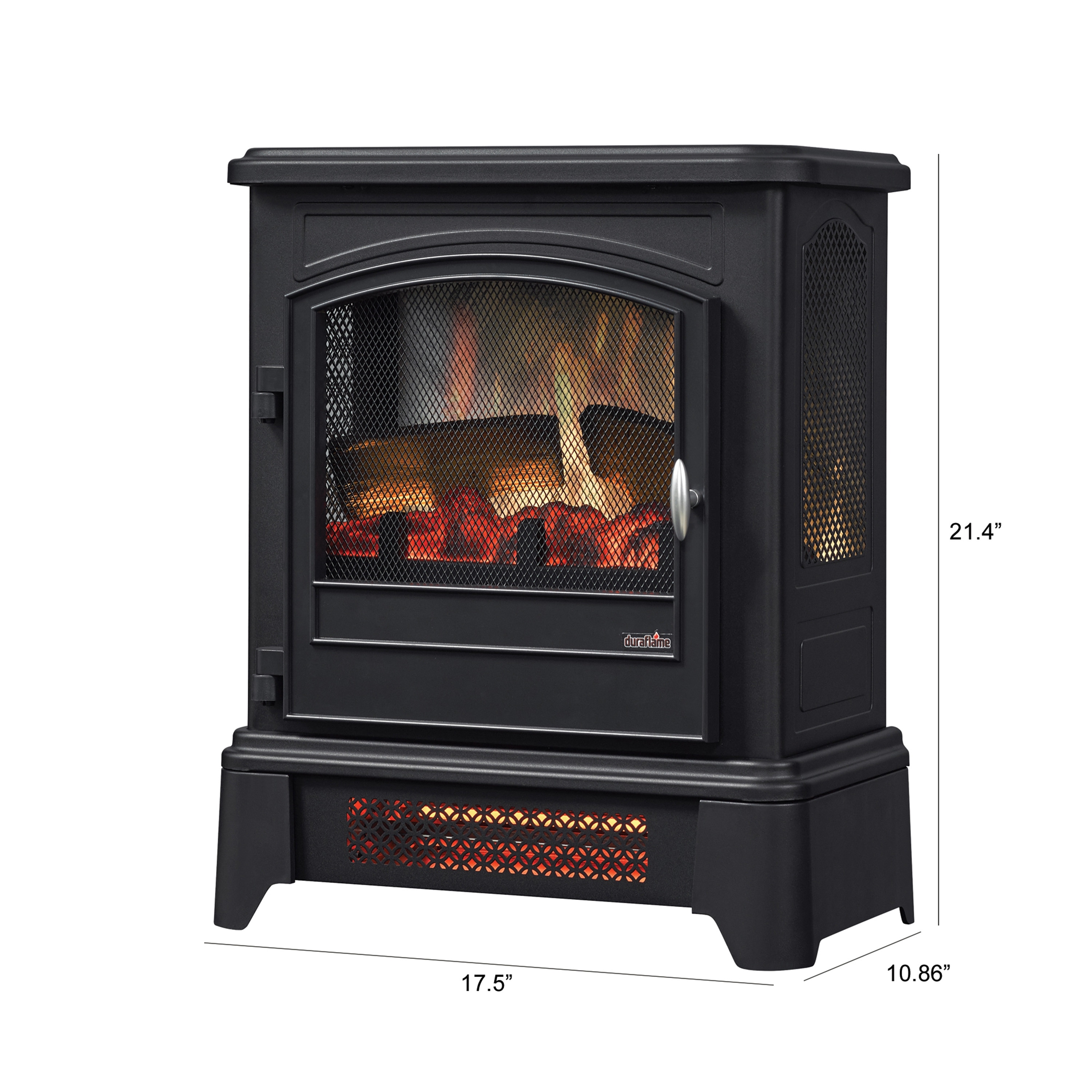
Place the heater on a flat, stable surface. Keep it away from curtains, papers, and furniture. Avoid placing it near water or damp areas. Proper placement stops accidents and helps heat spread well.
Avoiding Blockages
Do not block the heater’s air intake or outlet. Blockages cause overheating and reduce heat output. Keep the area around the heater clear. Check for objects that may fall in or cover vents.
Inspecting For Damage
Look over your heater regularly for cracks or loose parts. Check the power cord for frays or cuts. Damaged parts can cause electric shocks or fire risks. Replace or repair broken parts quickly.
Seasonal Storage Advice
Turn off and unplug the heater before storing. Clean it thoroughly to remove dust and debris. Store in a dry, cool place to avoid rust. Cover it with a cloth to keep it safe from dirt.
Credit: ggpurbanismo.com.br
When To Call A Professional
Knowing when to call a professional for your Duraflame infrared heater saves time and stress. Some issues need expert care to avoid damage or safety risks. Learning the signs helps you act fast and keep your heater safe.
Electrical Issues
Problems with wiring or power can be dangerous. Flickering lights, sparks, or a burning smell need immediate attention. A professional can check the wiring and fix electrical faults safely. Avoid opening the heater yourself to prevent shocks.
Persistent Malfunctions
If your heater stops working despite simple fixes, it may need expert repair. Repeated shutdowns or failing to heat properly are warning signs. Professionals have tools and knowledge to diagnose tricky problems. Ignoring these can lead to bigger damage.
Warranty And Repair Options
Check your heater’s warranty before any repair. Some problems may be covered for free. Calling a professional ensures repairs meet warranty rules. This protects your investment and keeps your heater in top shape.
Frequently Asked Questions
Why Won’t My Duraflame Infrared Heater Turn On?
Check if it’s plugged in and the power switch is on. Also, inspect the fuse.
How Do I Reset My Duraflame Heater After A Power Outage?
Unplug the heater, wait 10 seconds, then plug it back in to reset.
What Should I Do If The Heater Makes A Buzzing Noise?
Clean the fan and check for loose parts inside the heater.
Why Is My Duraflame Heater Not Producing Heat?
Ensure the thermostat is set above room temperature and the heater is not obstructed.
How Often Should I Clean My Duraflame Infrared Heater?
Clean the heater every 3 months to keep it working efficiently and safely.
What Causes The Heater’s Flame Effect To Stop Working?
The LED bulb may be burnt out or the wiring might be loose.
Can A Duraflame Heater Overheat And Shut Off Automatically?
Yes, it has a safety feature that shuts off if it gets too hot.
How Do I Fix A Duraflame Heater That Turns Off Randomly?
Check for overheating, clean vents, and make sure the heater is on a flat surface.
Is It Safe To Use A Duraflame Heater In A Small Room?
Yes, but keep it away from curtains and flammable materials for safety.
Why Does My Duraflame Heater Smell When First Turned On?
A new heater may emit a slight odor as dust burns off. It stops soon.
Conclusion
Duraflame infrared heaters offer great comfort and warmth. Troubleshooting common problems helps keep them working well. Check power sources and settings first. Clean the heater regularly to avoid dust buildup. Replace faulty parts promptly for safety. Small fixes often solve big issues.
Staying patient during repairs saves time and money. Keep your heater ready for cold days ahead. Simple care ensures long-lasting heat at home. Trust your ability to handle basic troubleshooting steps.