
Seeing your LG washing machine blink “UE” can be frustrating. What does this error code mean?
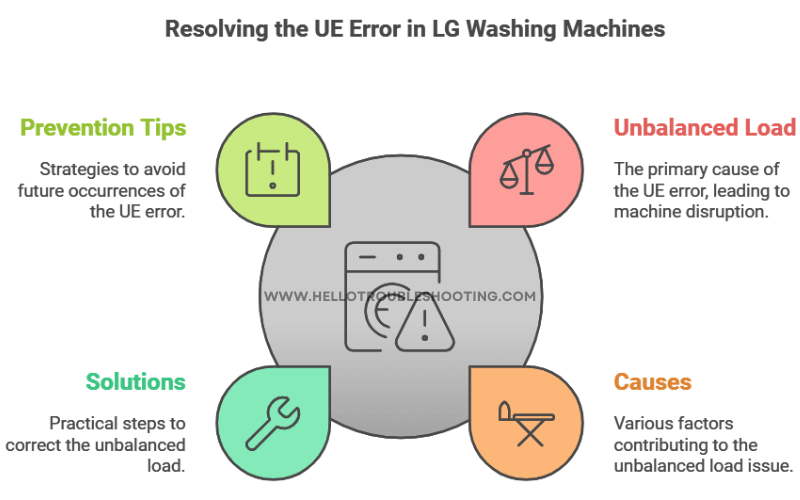
The “UE” error code on your LG washing machine indicates an unbalanced load. This common issue can disrupt your laundry routine, causing delays and potentially leading to more significant problems if not addressed. Understanding the reasons behind this error and knowing how to fix it can save time and prevent headaches.
In this blog post, we’ll explore the causes of the “UE” error, offer practical solutions, and provide tips to avoid it in the future. Stay tuned to get your washing machine running smoothly again!
Common Causes Of Ue Error
The UE error on an LG washing machine can be frustrating. It usually means there is an issue with the load balance. Understanding the common causes of this error can help you fix it quickly and get back to your day. Below are the most frequent reasons for the UE error.
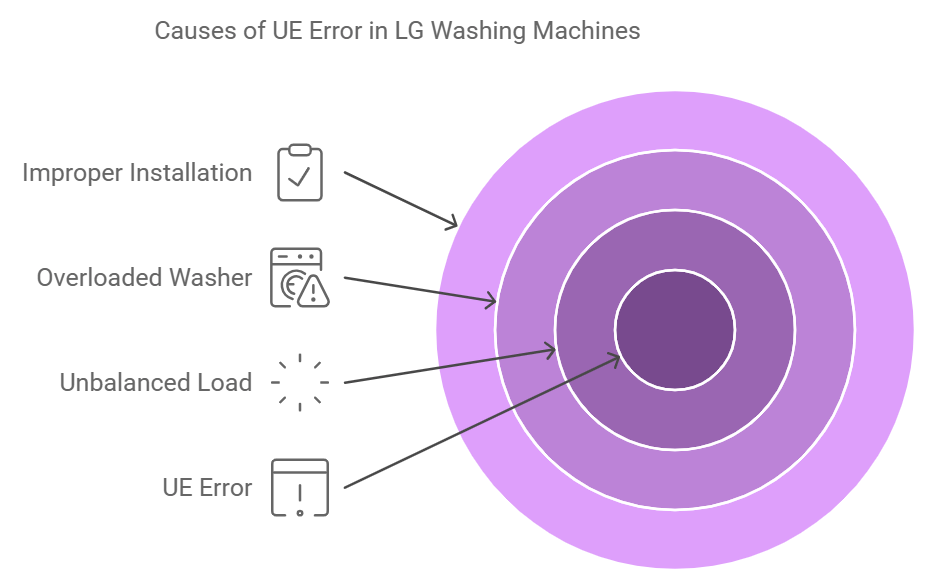
Unbalanced Load
An unbalanced load is a common cause of the UE error. This happens when clothes are unevenly distributed in the drum. For example, washing a single heavy item, like a blanket, may cause imbalance. To solve this, try redistributing the clothes evenly. This should help the washer run smoothly again.
Overloaded Washer
Overloading the washer can also trigger the UE error. The machine struggles to spin if there are too many clothes. This can cause the drum to become unbalanced. To avoid this, make sure not to overfill the washer. Follow the manufacturer’s guidelines on load capacity. A lighter load will help your washer function properly.
Improper Installation
Improper installation can lead to the UE error. If the washer is not level, it can cause balance issues. Make sure the machine is placed on a flat, stable surface. Use a level to check if the washer is correctly positioned. Adjust the feet if needed to ensure stability.
Identifying The Ue Error
The LG washing machine blinking UE error can cause frustration. This error code indicates an imbalance issue during the spin cycle. Identifying this error quickly helps maintain your washing machine’s performance.
Error Code Explanation
The UE error code typically appears during the spin cycle. It indicates that the washing machine detects an unbalanced load. This imbalance can prevent the machine from spinning correctly. Ensuring balanced loads can help avoid this issue.
Symptoms To Look For
There are several signs to identify the UE error. Here are the common symptoms:
- The machine stops during the spin cycle.
- The drum shakes excessively.
- The UE error code blinks on the display.
- The clothes remain wet after the cycle ends.
If you notice these signs, it’s likely a UE error. Address the imbalance to resume normal operation.
Initial Troubleshooting Steps
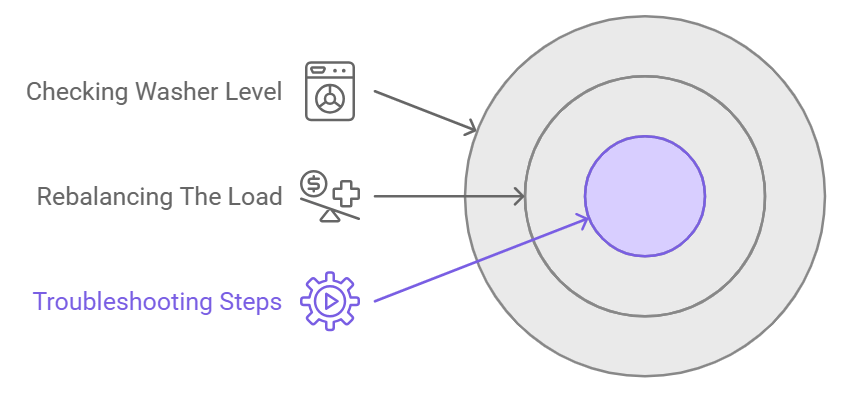
Experiencing the UE error on your LG washing machine can be frustrating. This error often indicates an imbalance in the load or an issue with the machine’s leveling. Before calling a technician, follow these initial troubleshooting steps to resolve the issue yourself.
Rebalancing The Load
An uneven load is a common reason for the UE error. Open the washer door and check the distribution of clothes. Ensure you distribute the clothes evenly around the drum. If needed, remove some items to lighten the load. Then, restart the cycle and check if the error persists.
Checking Washer Level
An unlevel washer can cause imbalance issues. Use a spirit level to check if your washing machine is sitting evenly. Place the level on top of the machine and check from front to back and side to side. Adjust the machine’s feet if necessary. Most washers have adjustable feet that you can twist to raise or lower the corners. Ensure the machine is stable and try running a cycle again.
Advanced Troubleshooting Tips
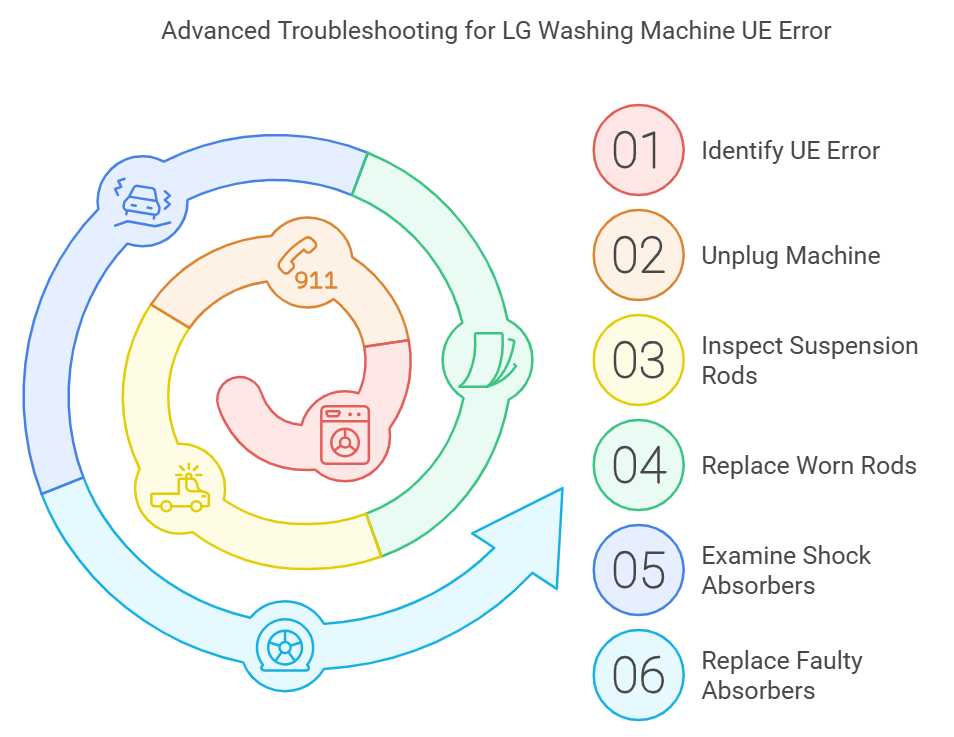
Experiencing the LG washing machine blinking UE can be frustrating. Sometimes, the issue goes beyond the basic troubleshooting steps. If your machine still shows the UE error, you may need advanced troubleshooting tips. Here, we’ll delve into inspecting suspension rods and examining shock absorbers. These components play a vital role in the smooth operation of your washing machine.
Inspecting Suspension Rods
Suspension rods help balance the washer drum during cycles. If they are worn out, the drum may become unbalanced. Start by unplugging the machine for safety. Next, remove the top cover to access the rods. Look for signs of wear or damage on the rods. A damaged rod can cause the UE error. Replace any worn or broken rods with new ones. Ensure all rods are properly secured before reassembling the machine.
Examining Shock Absorbers
Shock absorbers reduce the vibration of the drum. If they fail, the machine may shake excessively. First, unplug the washer and lay it on its side. Locate the shock absorbers attached to the drum and frame. Check for oil leaks, cracks, or any other damage. Worn shock absorbers need to be replaced. Detach the faulty absorbers and install new ones. This should help stabilize the drum and resolve the UE error.
Preventing Future Ue Errors
Experiencing a blinking UE error on your LG washing machine can be frustrating. This error typically indicates an unbalanced load. Preventing these errors in the future ensures your machine runs smoothly. Below are some practical tips to help you avoid the blinking UE error.
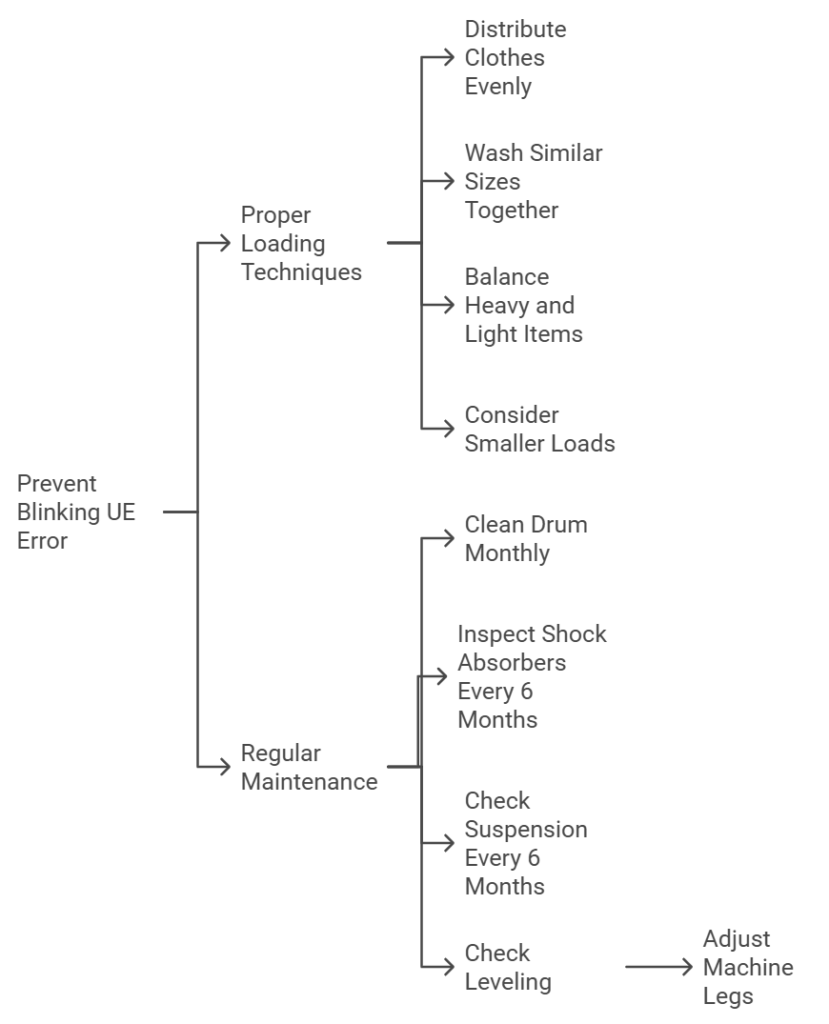
Proper Loading Techniques
Proper loading is key to preventing UE errors. Ensure to balance your laundry load. Distribute clothes evenly around the drum. Avoid overloading the machine as it can cause imbalance.
- Distribute evenly: Spread clothes around the drum.
- Size matters: Wash items of similar size together.
- Weight balance: Balance heavy items with lighter ones.
Consider using smaller loads for better balance. A full drum can lead to uneven distribution. Always check the user manual for recommended load sizes.
Regular Maintenance
Regular maintenance keeps your washing machine in top condition. Clean the drum and check for any blockages. Inspect the drum’s suspension and shock absorbers periodically.
| Maintenance Task | Frequency |
|---|---|
| Clean drum | Monthly |
| Inspect shock absorbers | Every 6 months |
| Check suspension | Every 6 months |
Regularly check the leveling of your washing machine. An uneven machine can cause imbalance. Adjust the legs to ensure the machine is level.
Following these tips can help you avoid the blinking UE error. This ensures a smoother laundry experience and extends the life of your LG washing machine.
When To Call A Professional
Sometimes, the blinking UE code on your LG washing machine needs more than DIY solutions. It’s essential to know when to call a professional for help. Ignoring persistent issues can lead to bigger problems and costly repairs. Here’s what you need to know.
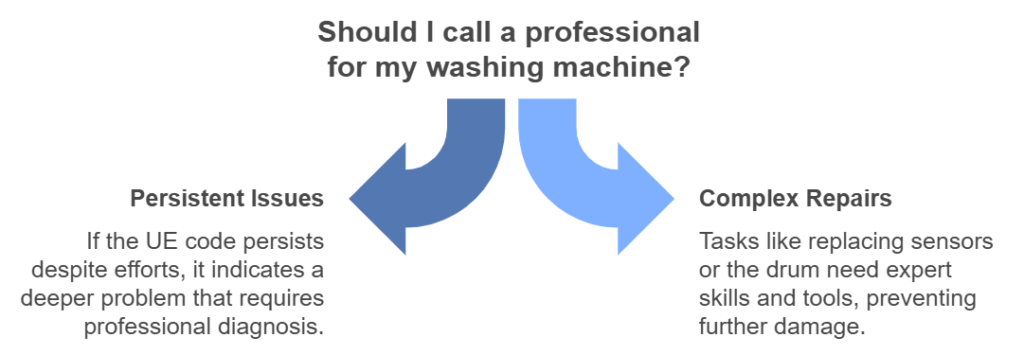
Persistent Issues
If the UE code keeps appearing, even after you’ve tried balancing the load, it’s time to call a pro. Repeated errors suggest a deeper problem. Maybe the sensors are faulty. Or the drum has issues. A professional can diagnose and fix these problems properly.
Potential Repairs
Professionals can handle complex repairs. They can replace faulty sensors. Fix or replace the drum. Adjust or replace the motor. These tasks need expertise and special tools. Attempting these on your own can cause more damage. Always opt for a skilled technician for these repairs. Ensuring the longevity of your washing machine.
Understanding Lg’s Support Options
Experiencing a blinking UE error on your LG washing machine can be frustrating.
Knowing LG’s support options is crucial.
This guide will help you navigate the support system efficiently.
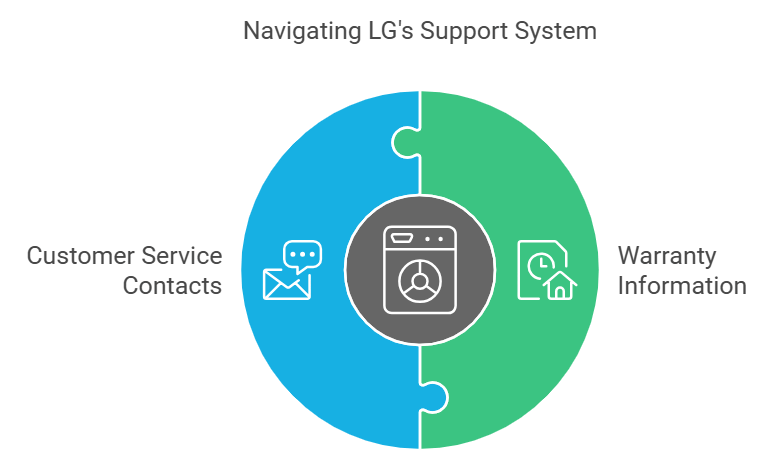
Warranty Information
Your LG washing machine comes with a standard manufacturer’s warranty.
Typically, this covers parts and labor for a specific period.
Check your user manual or LG’s website for detailed warranty terms.
| Type of Warranty | Coverage Period |
|---|---|
| Basic Warranty | 1 Year |
| Extended Warranty | 3-5 Years |
You may also purchase an extended warranty for added peace of mind.
This often covers more extensive repairs and replacements.
Customer Service Contacts
Reach out to LG’s customer service for assistance.
They are available through various channels.
Here are some ways to contact them:
- Phone: Call their helpline at 1-800-243-0000. Available Monday to Saturday.
- Email: Send an email through their support page.
- Live Chat: Use the live chat feature on the LG website.
For quick support, their live chat is often the fastest.
Make sure to have your model number and purchase details handy.
User Experiences And Tips
Many people have faced the LG washing machine blinking UE issue. Users from different backgrounds share their experiences to help others. Below are some common fixes and helpful resources.
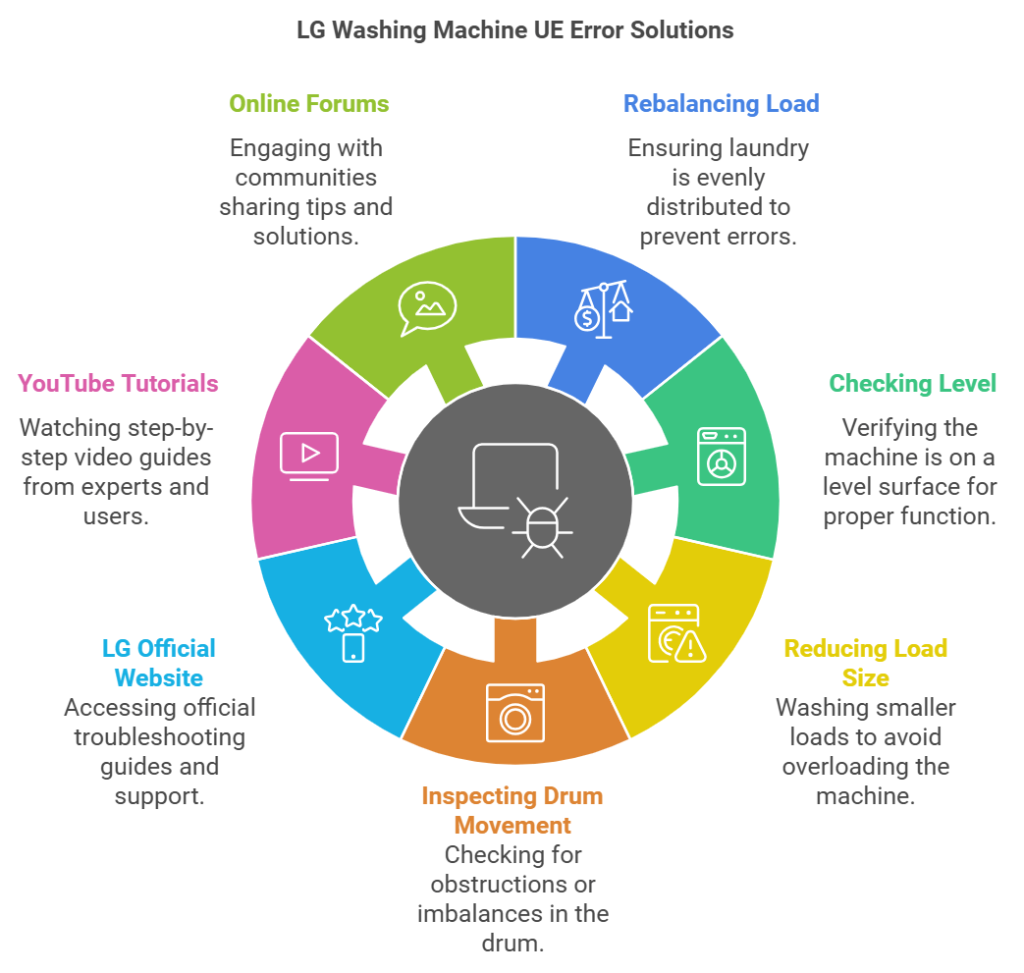
Common Fixes From Users
Users have tried various methods to fix the blinking UE error. Here are some of the most effective solutions:
- Rebalancing the Load: Ensure the laundry is evenly distributed. Uneven loads can cause the UE error.
- Checking the Level: Make sure the washing machine is on a level surface. Use a spirit level to check.
- Reducing Load Size: Overloading the machine can trigger the UE error. Try washing smaller loads.
- Inspecting Drum Movement: Spin the drum by hand to check for obstructions or imbalance.
Helpful Online Resources
Many online platforms provide valuable insights and solutions. Here are some resources to explore:
| Resource | Description |
|---|---|
| LG Official Website | Official troubleshooting guides and support. |
| YouTube Tutorials | Step-by-step video guides from experts and users. |
| Online Forums | Communities like Reddit and Quora where users share tips. |
These resources can offer detailed instructions and visual aids. They can help diagnose and fix the UE error effectively.
Frequently Asked Questions
Why Is My Lg Washing Machine Blinking Ue?
The UE error code indicates an unbalanced load in your LG washing machine. Redistribute clothes evenly.
How Can I Fix The Ue Error On My Lg Washer?
Stop the washer and rearrange the clothes. Ensure the load is balanced.
Does The Ue Error Mean My Lg Washer Is Broken?
No, the UE error usually means the load is unbalanced. It doesn’t indicate a serious issue.
Can Overloading Cause The Lg Washer To Show Ue?
Yes, overloading can cause the UE error. Do not exceed the washer’s capacity.
What Should I Do If The Ue Error Persists?
If the error persists, check the washer’s level on the floor. Adjust legs if needed.
Conclusion
Resolving the LG washing machine UE error is straightforward. Follow the steps outlined in this blog. Check the load balance and adjust it. Ensure the machine is on a level surface. Simple fixes often solve the problem. Regular maintenance helps avoid this issue.
A balanced load extends the machine’s life. Troubleshooting at home saves time and money. Enjoy smooth laundry days with these easy tips. If problems persist, consult a professional. Happy washing!